Customizable Invoice Templates
That Mean Business
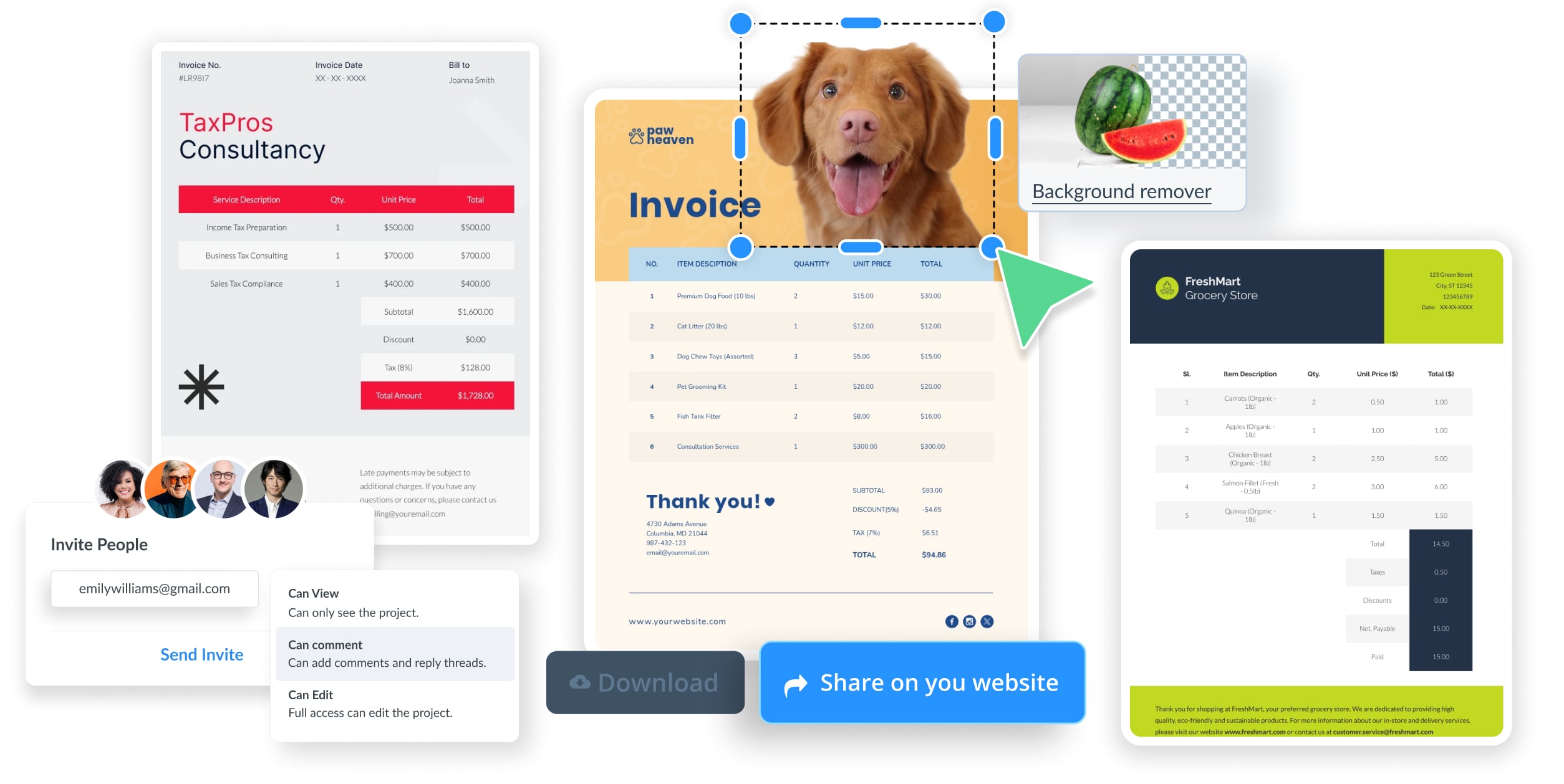
Create invoices that look as professional as the work behind them. Visme's editable invoice templates make it easy to bill clients with a branded look that's all yours.





Trusted by 35M+ leading companies and creators
Find the Right Invoice Template for the Job
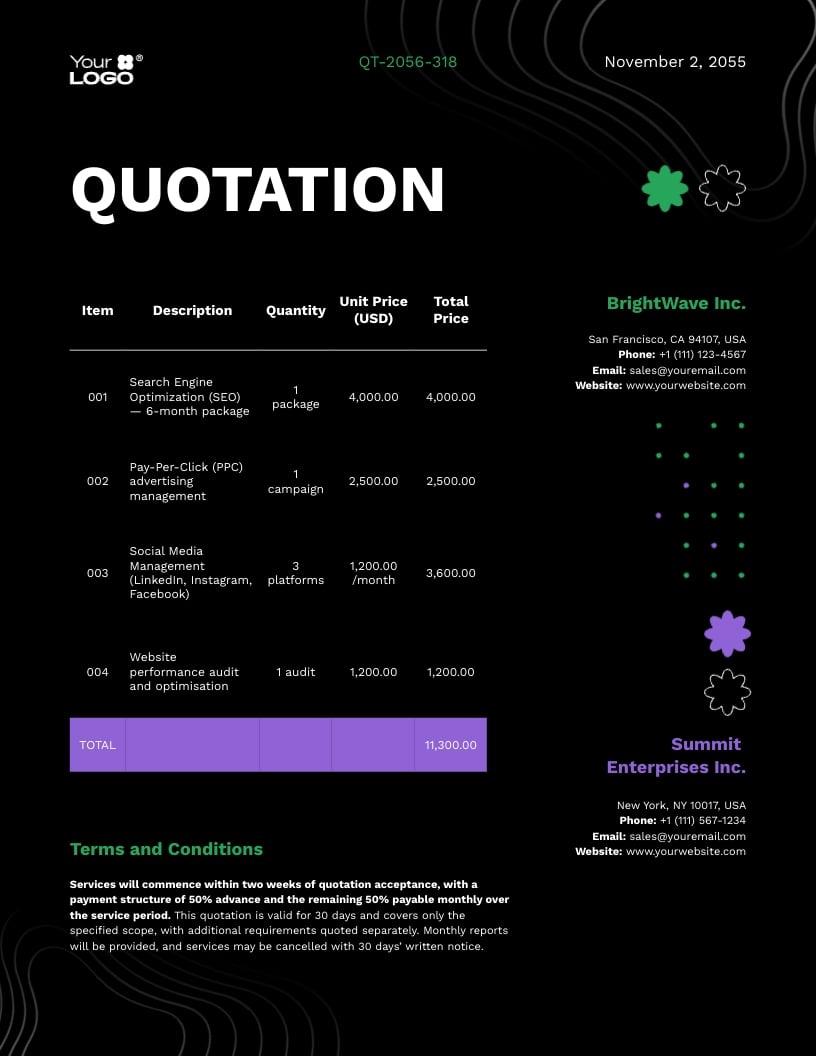
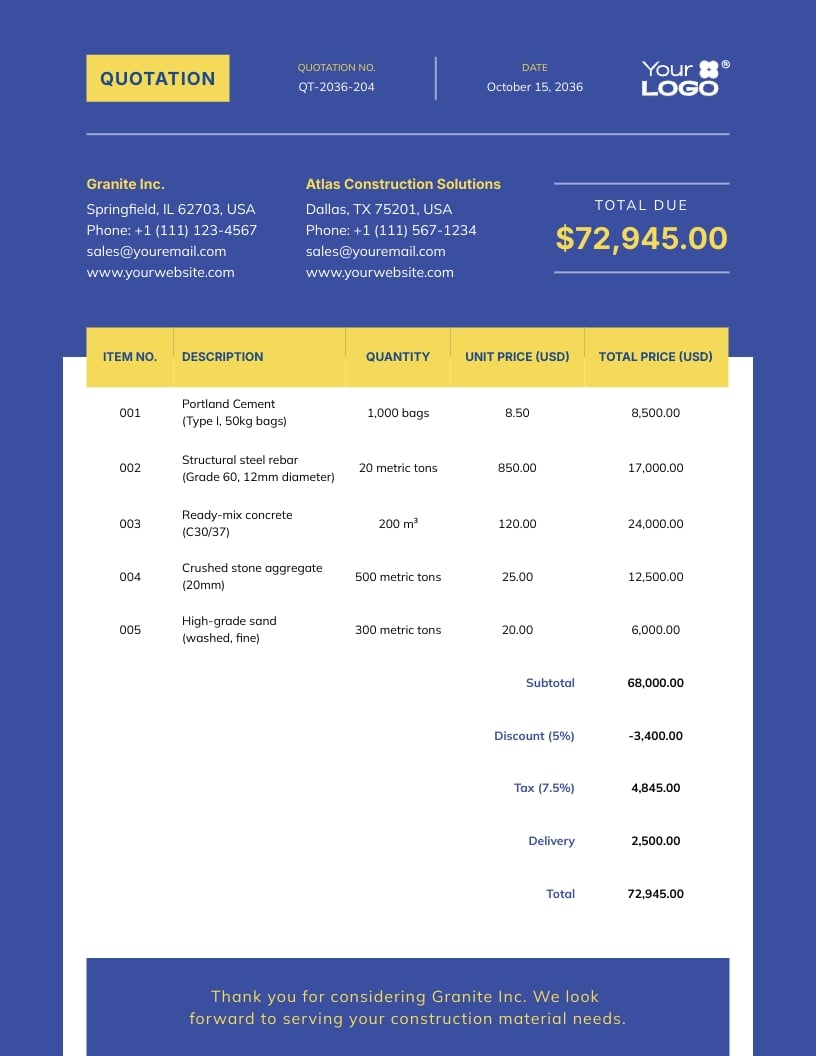
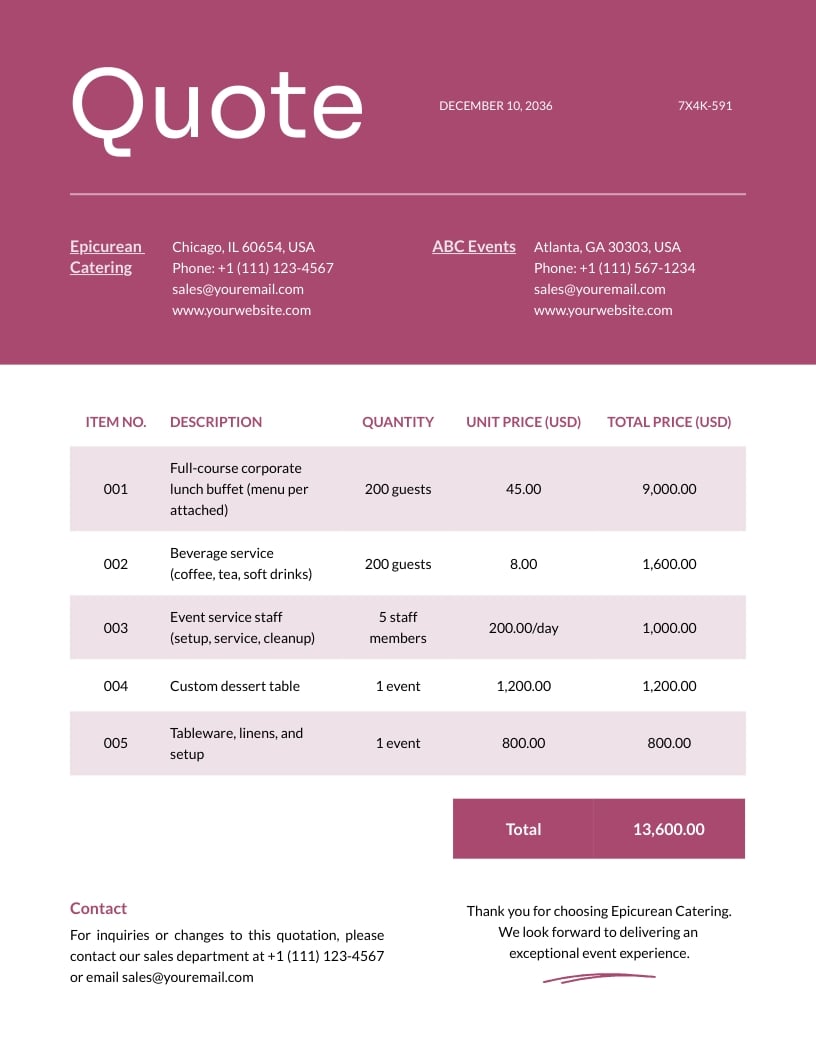
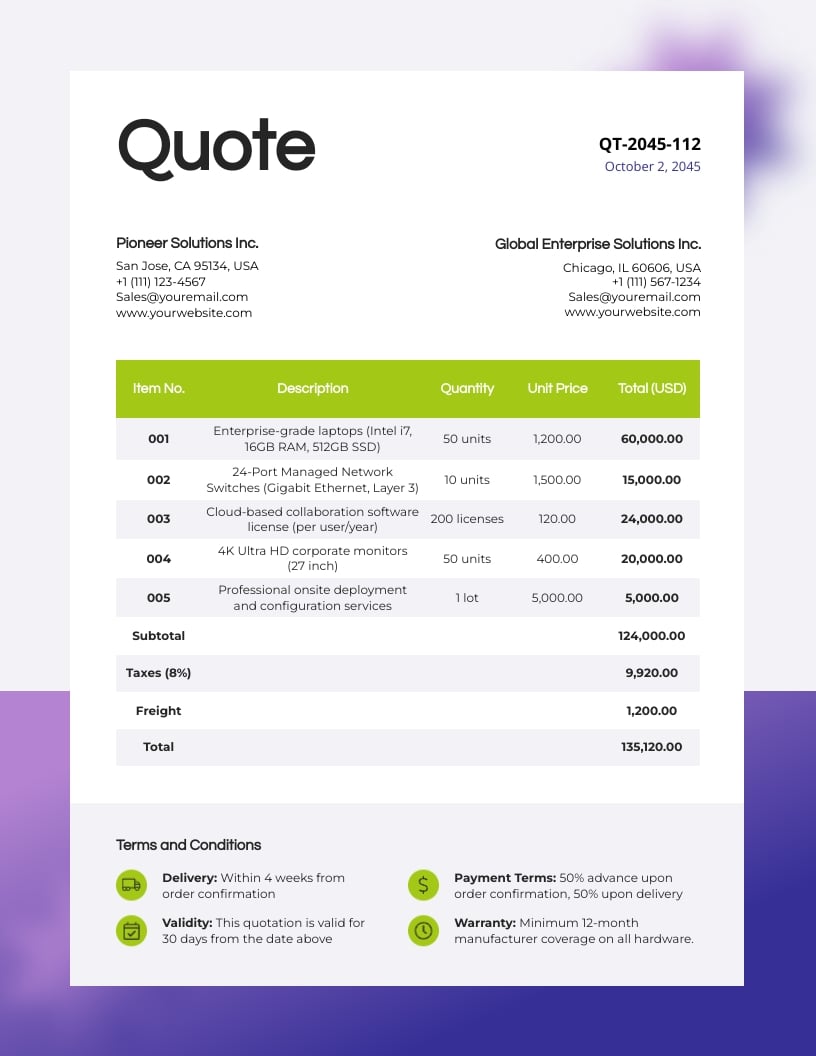
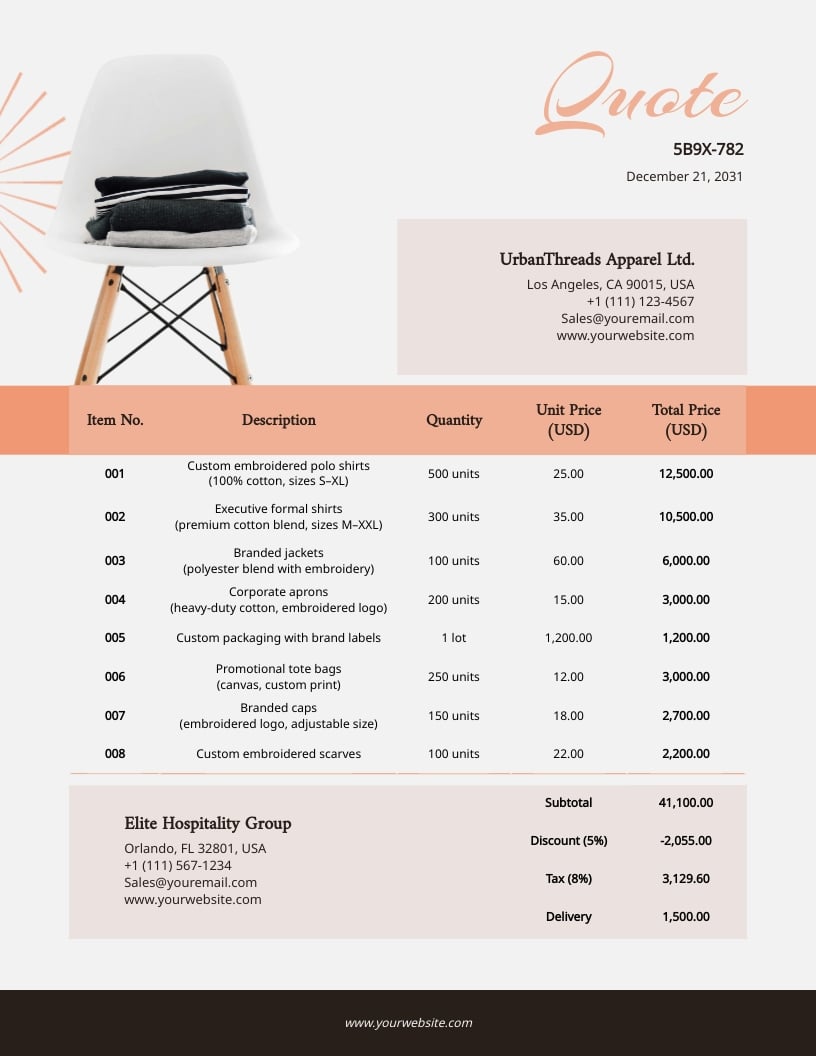
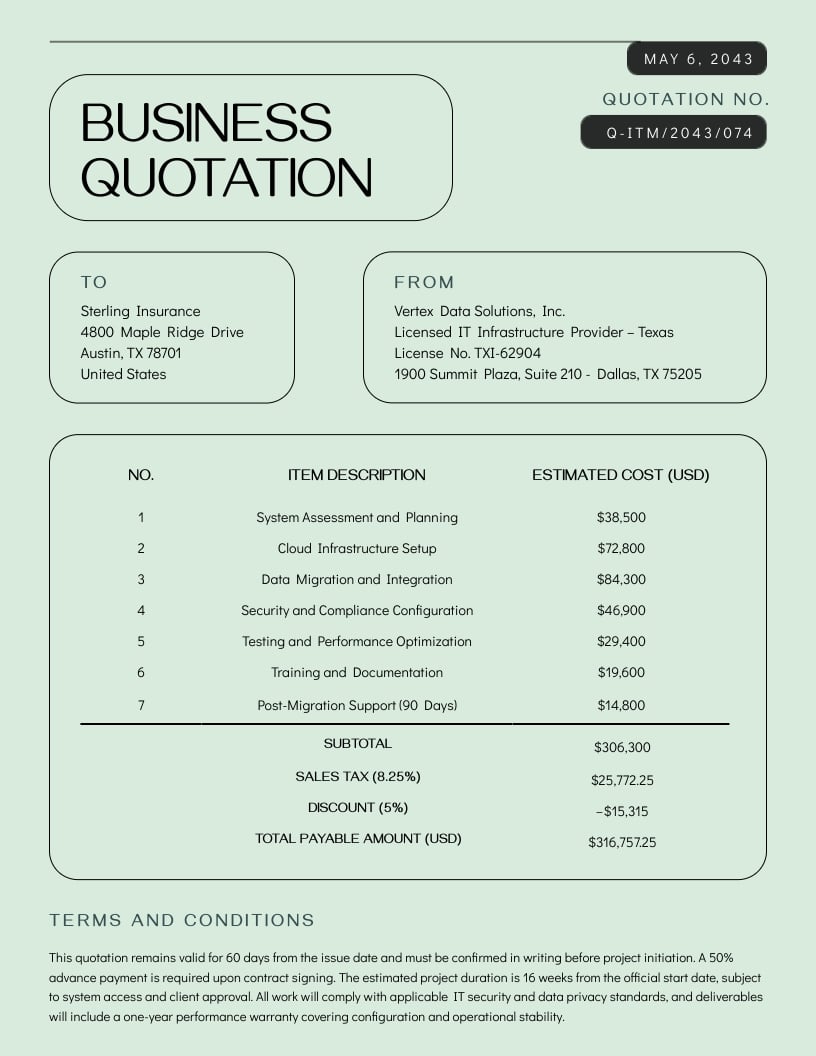
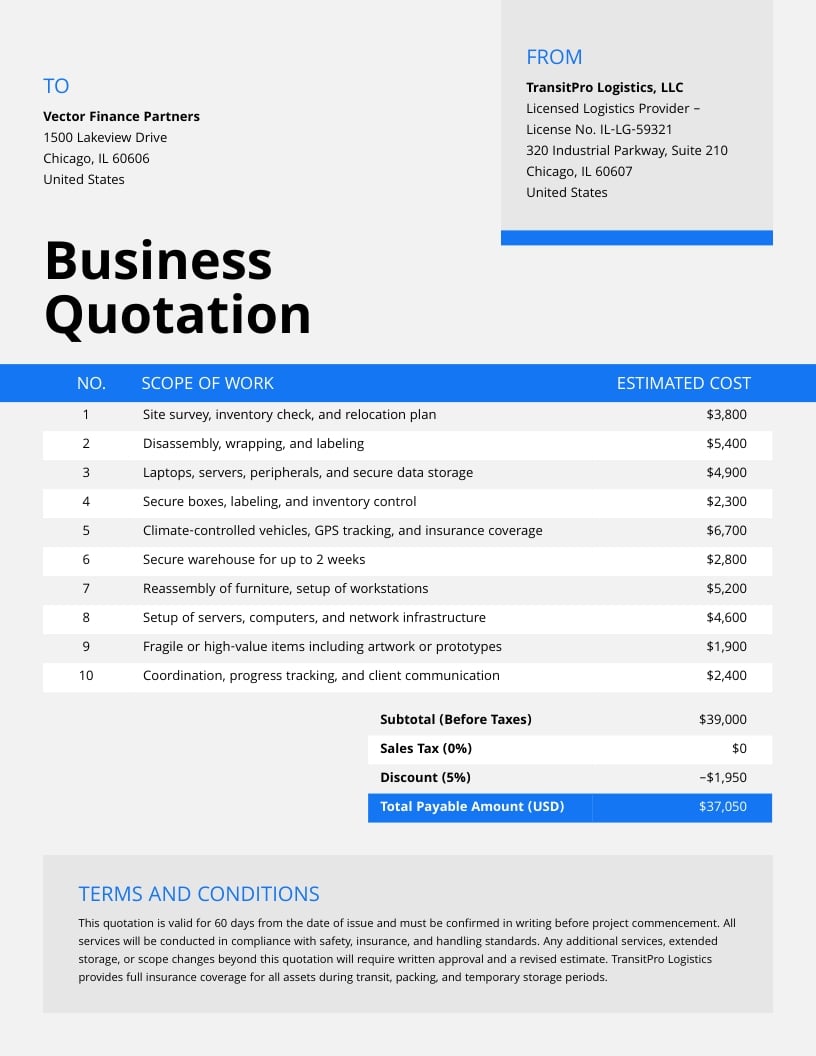
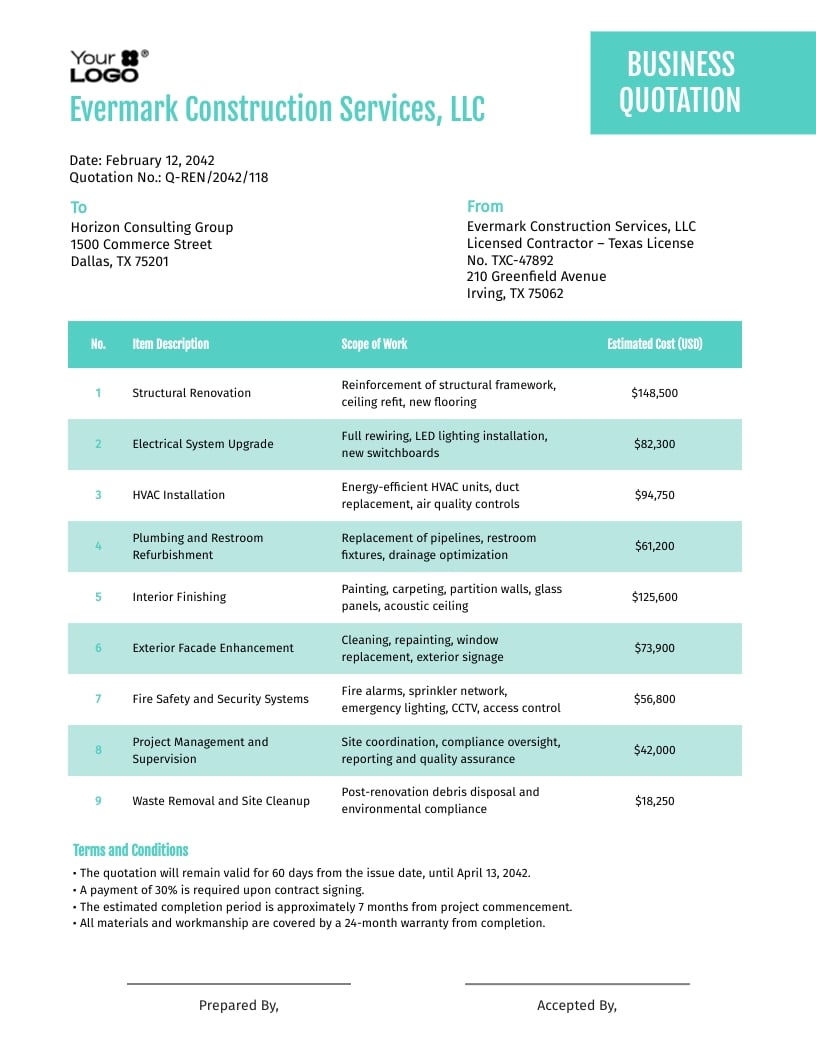
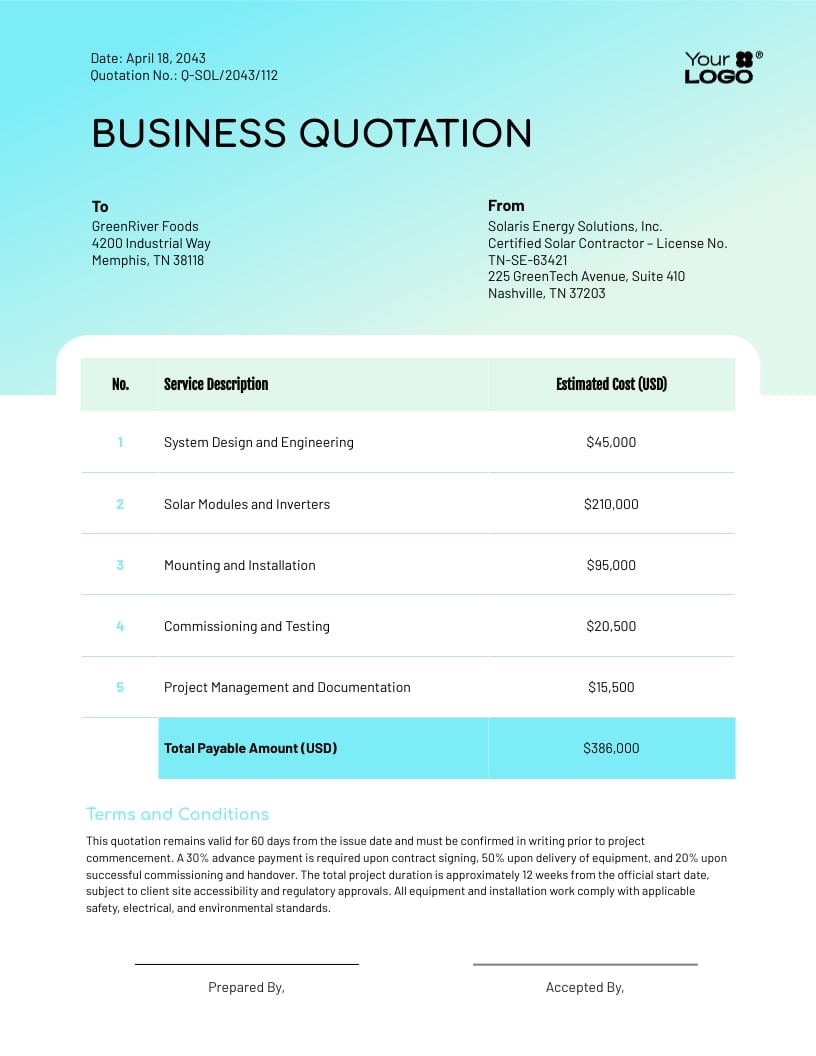
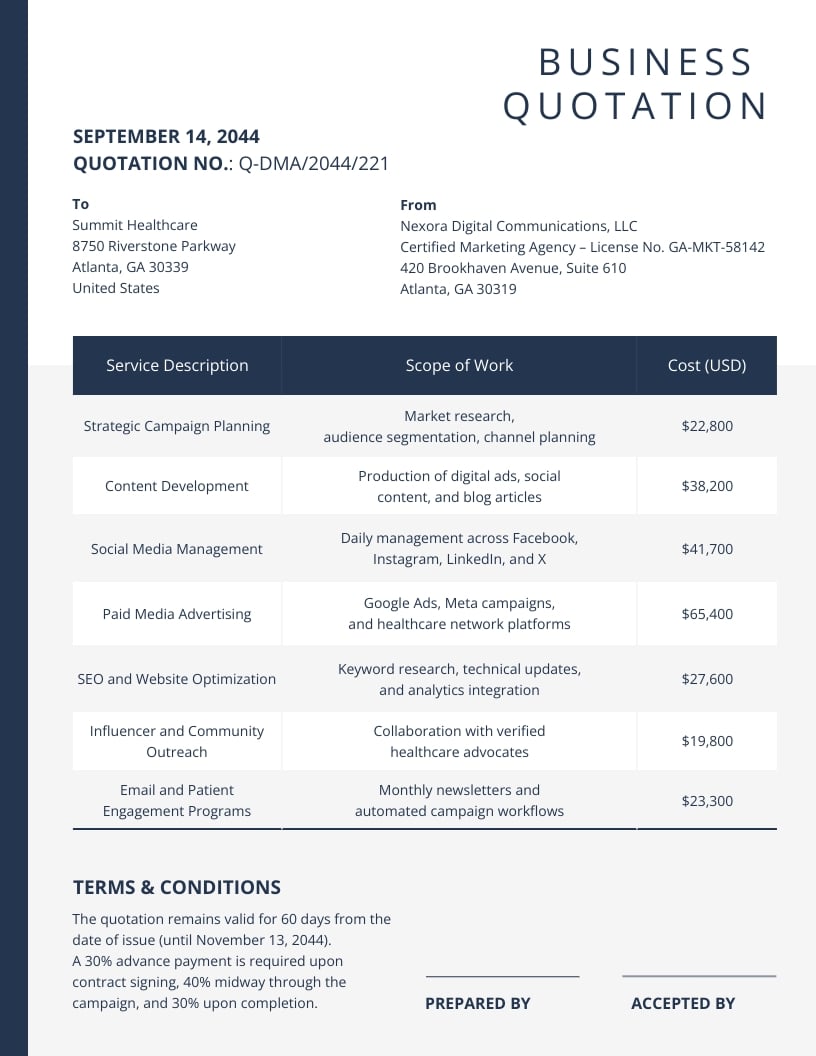
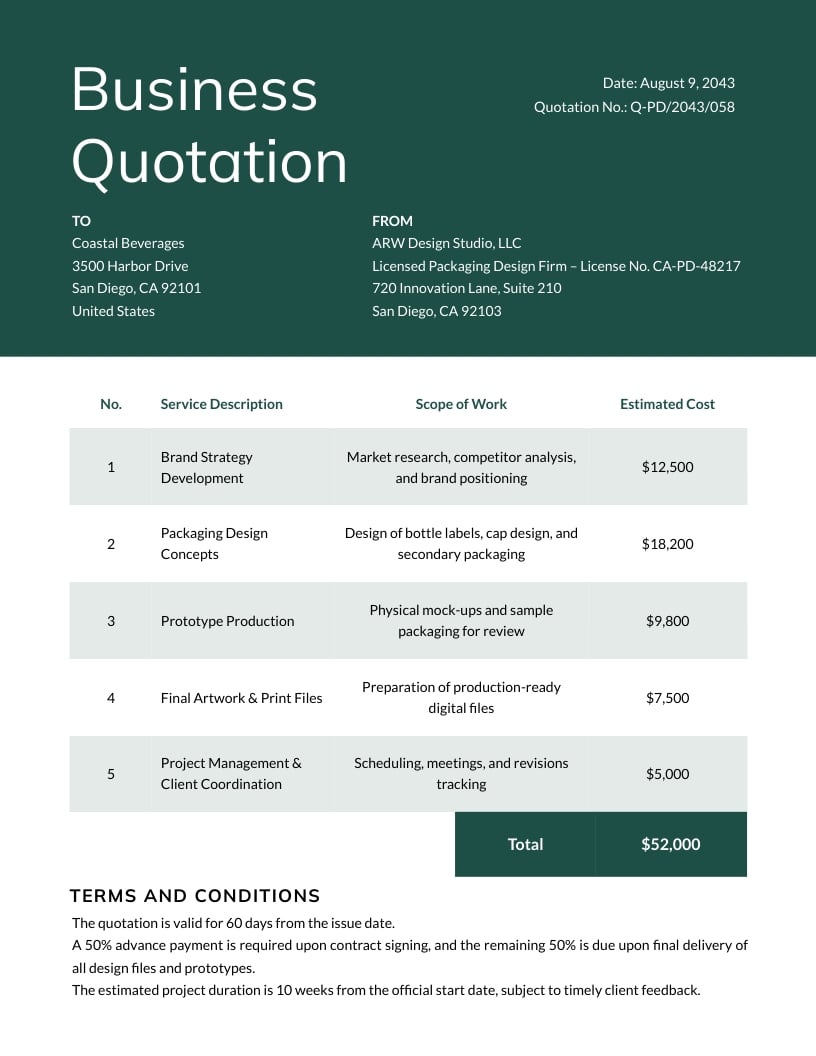
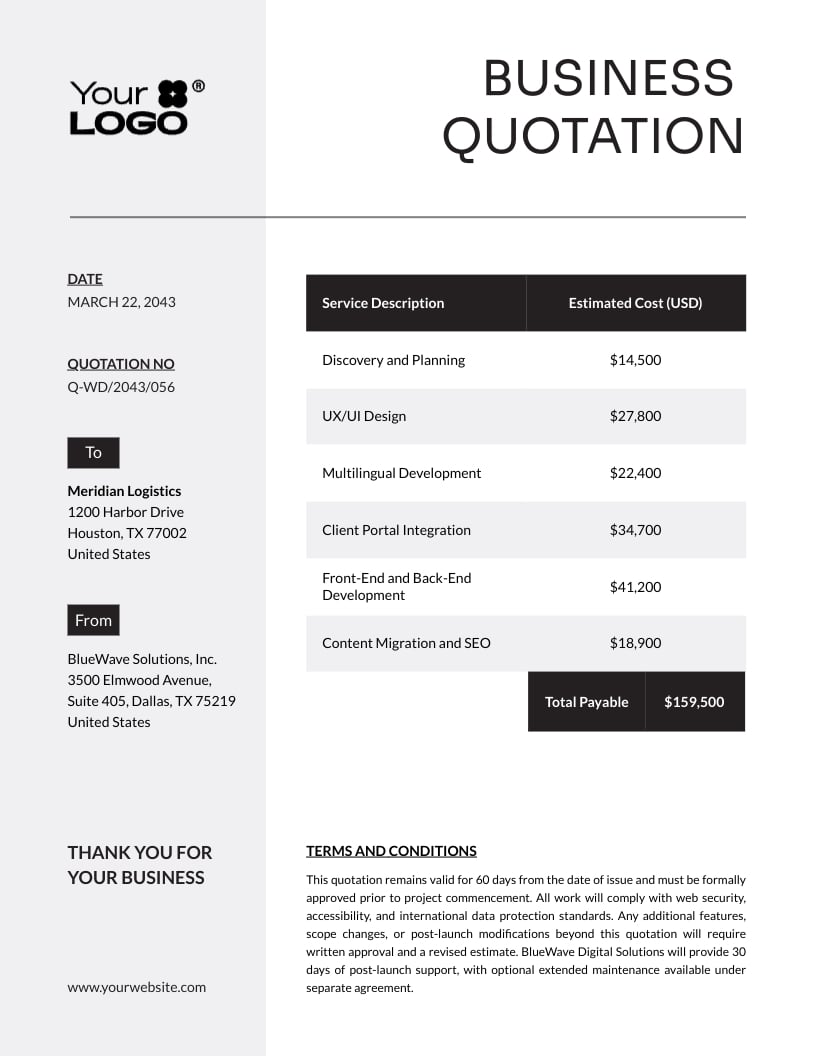
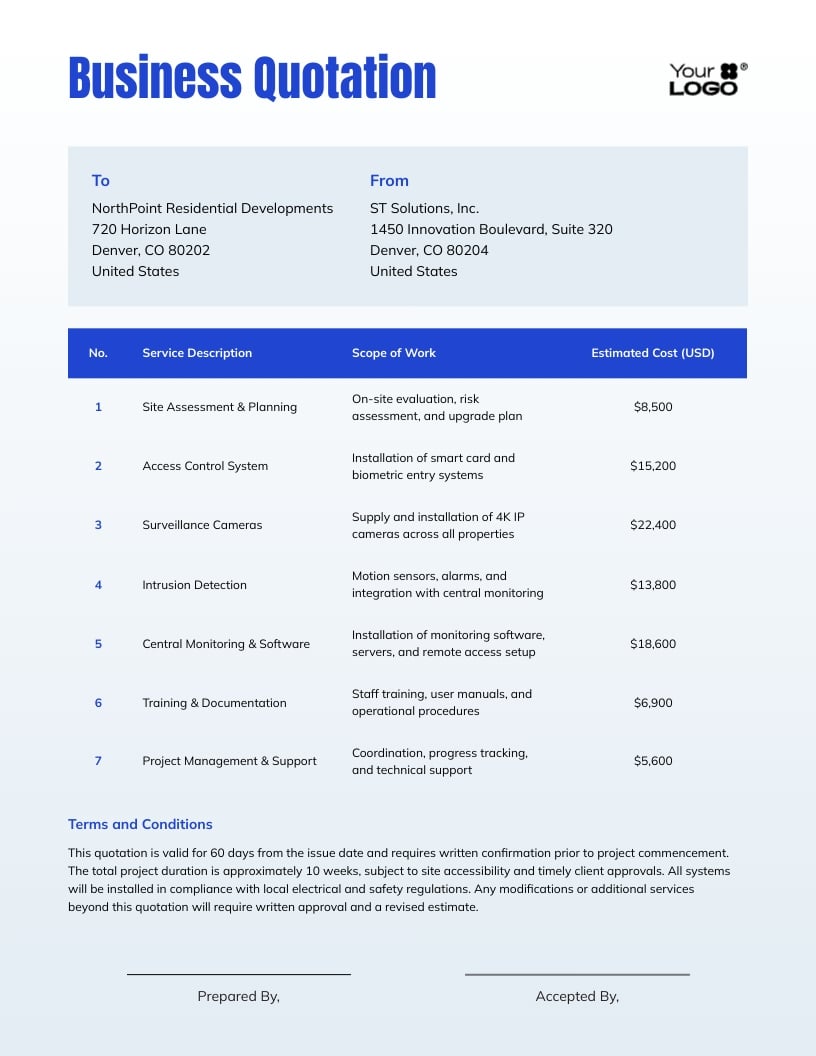
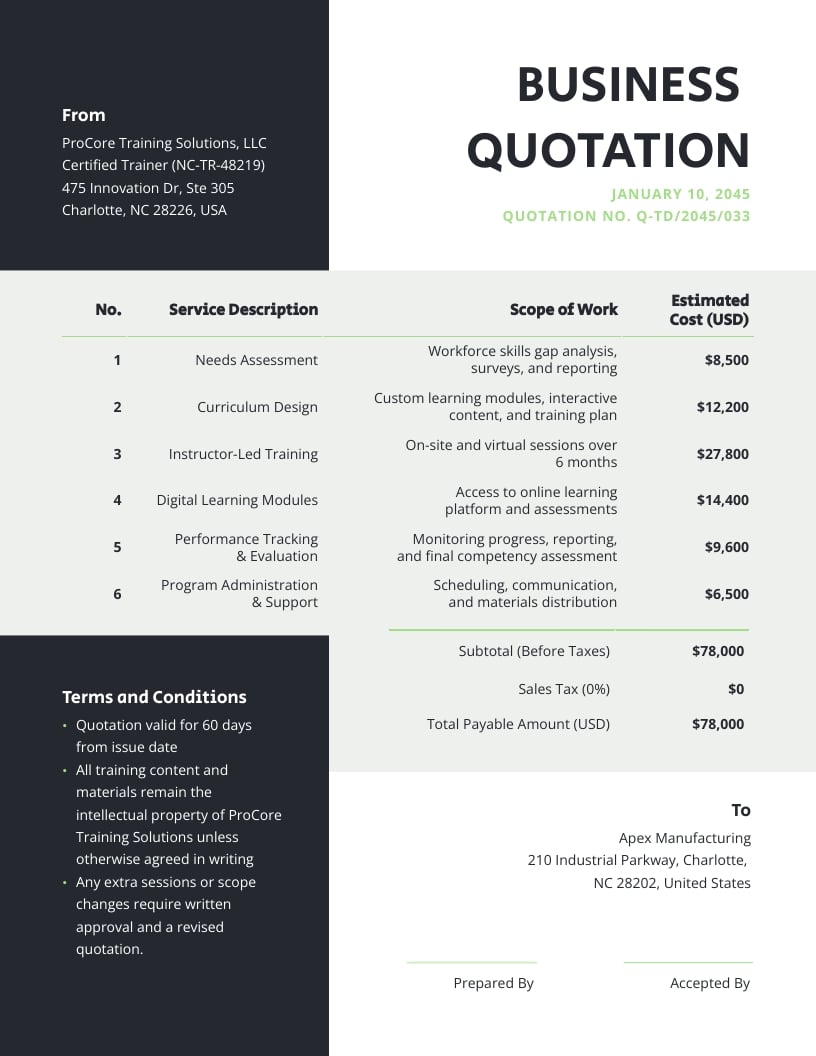
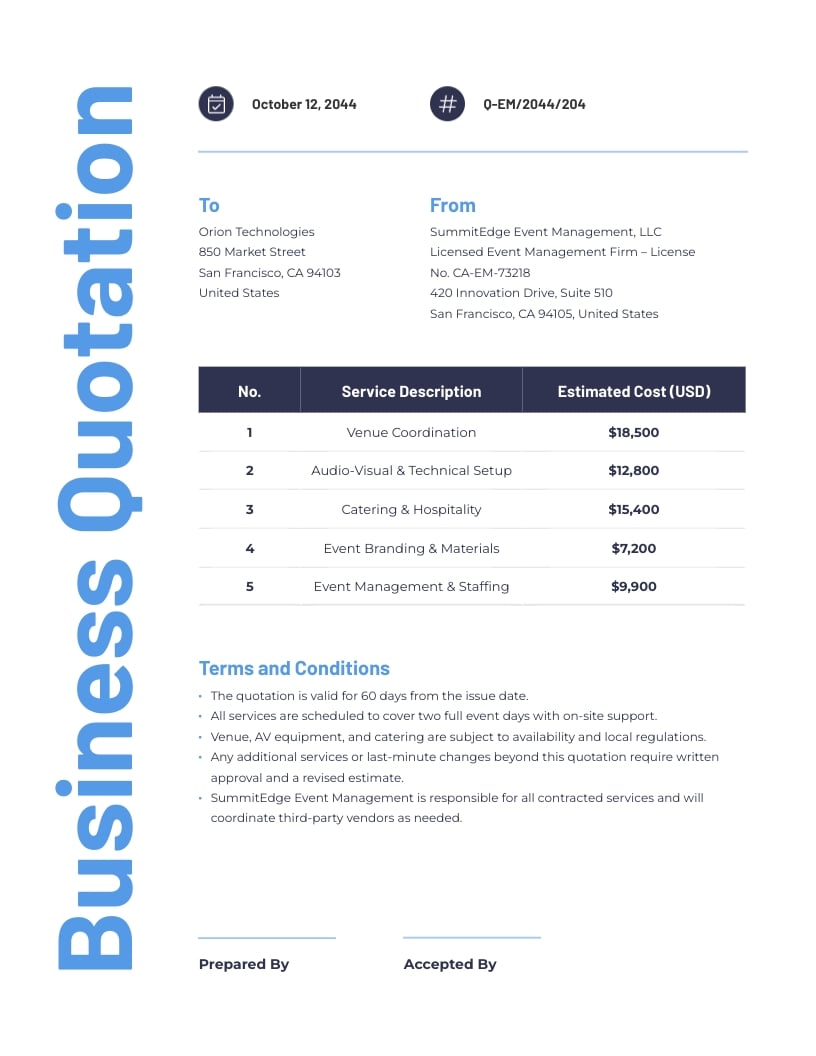
Every template in this library is professionally designed and completely customizable. Add your branding, adjust the layout, update line items and download a client-ready invoice in minutes.
How to Make an Invoice That Gets You Paid Faster
Check out these tips to get the most out of your invoice templates and make every transaction count.
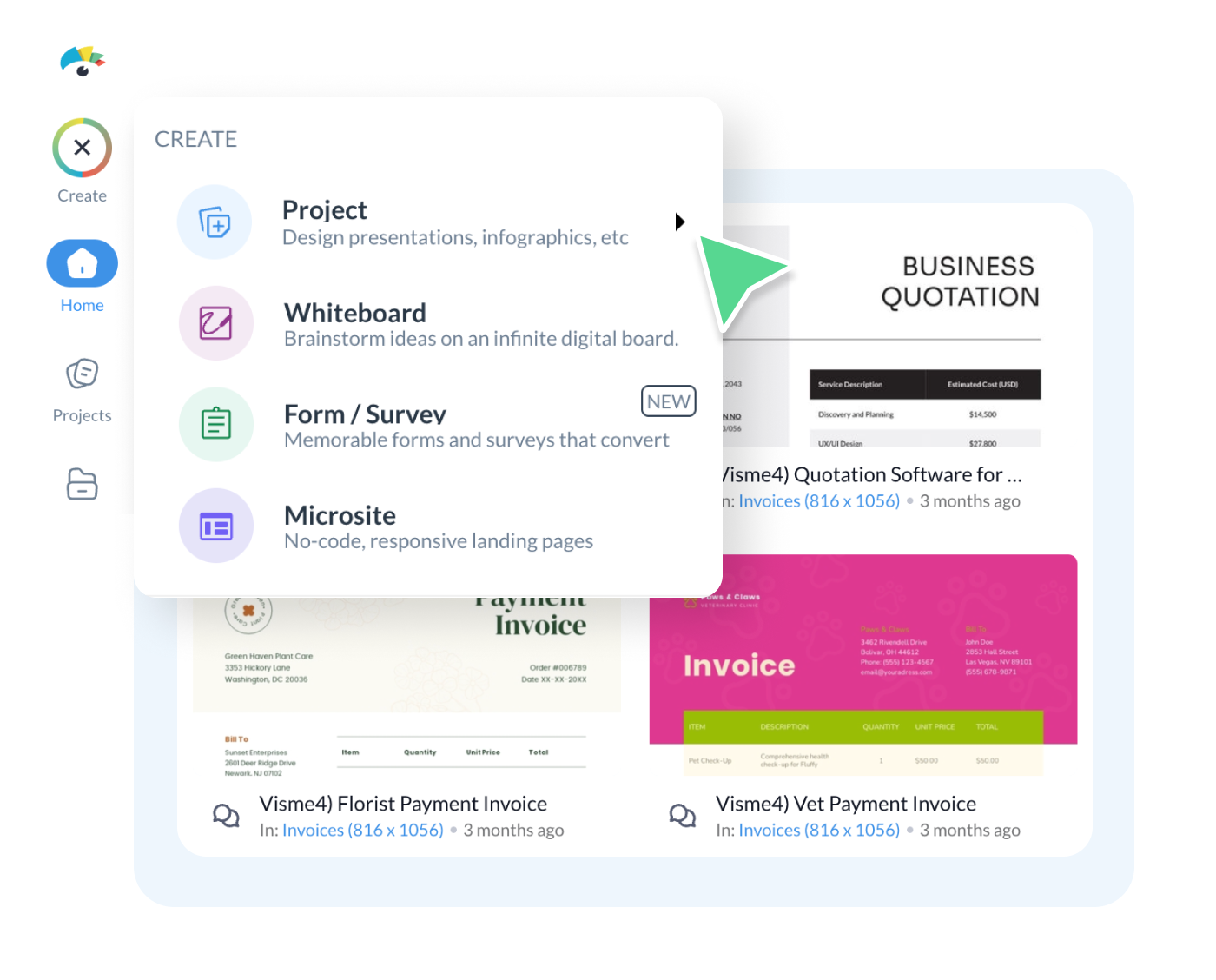
Start with a template that fits your industry
Not all invoices are created equal. Choose a template that matches your type of work. It saves time on formatting. Visme offers multiple invoice options so you're not stuck with a single design.
Make it customize with your brand
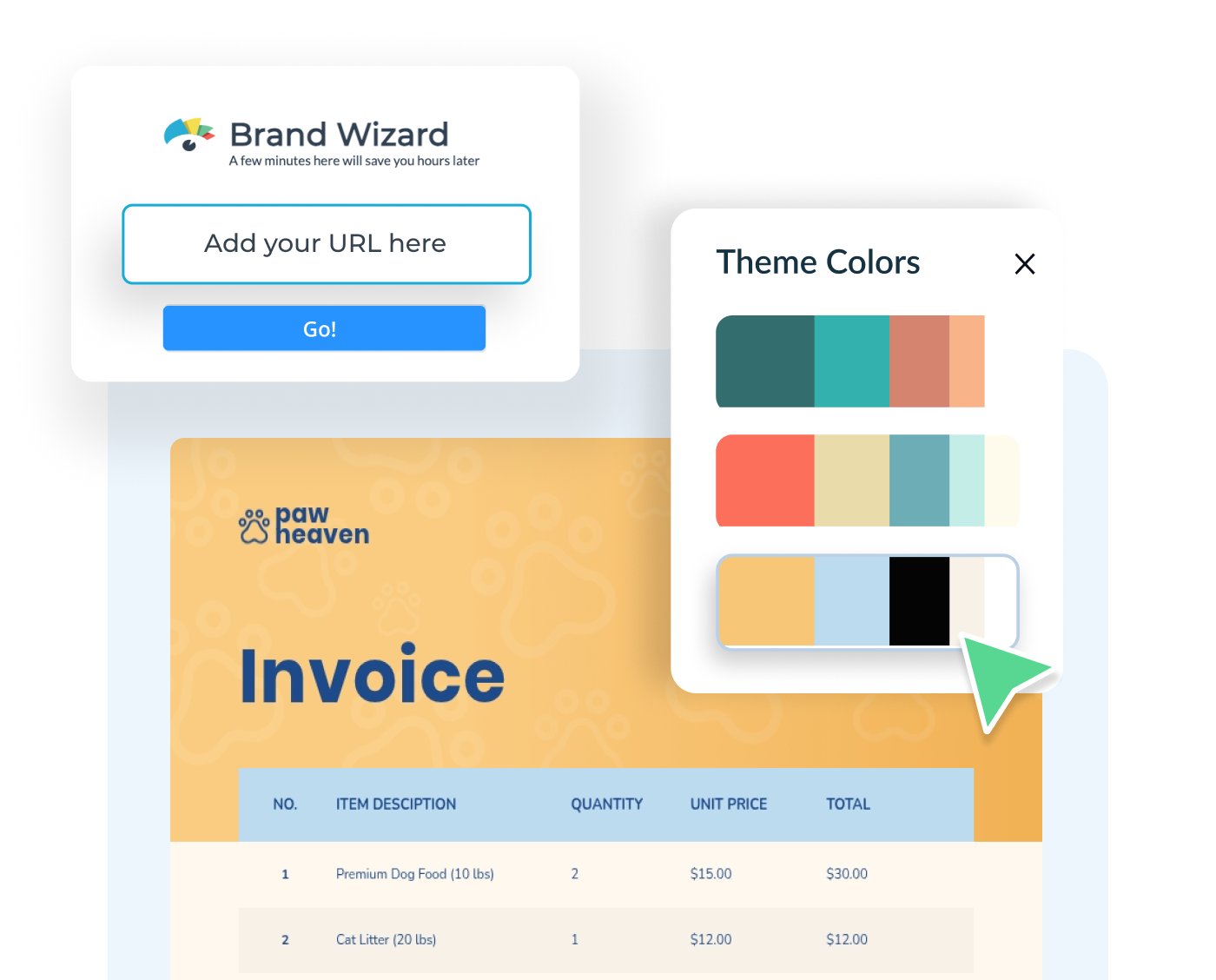
Your invoice is still a client touchpoint, treat it like one. Use Visme’s brand kit to instantly add your logo, apply your brand colors and fonts for a consistent experience from proposal to payment.
Use dynamic fields to save time across projects
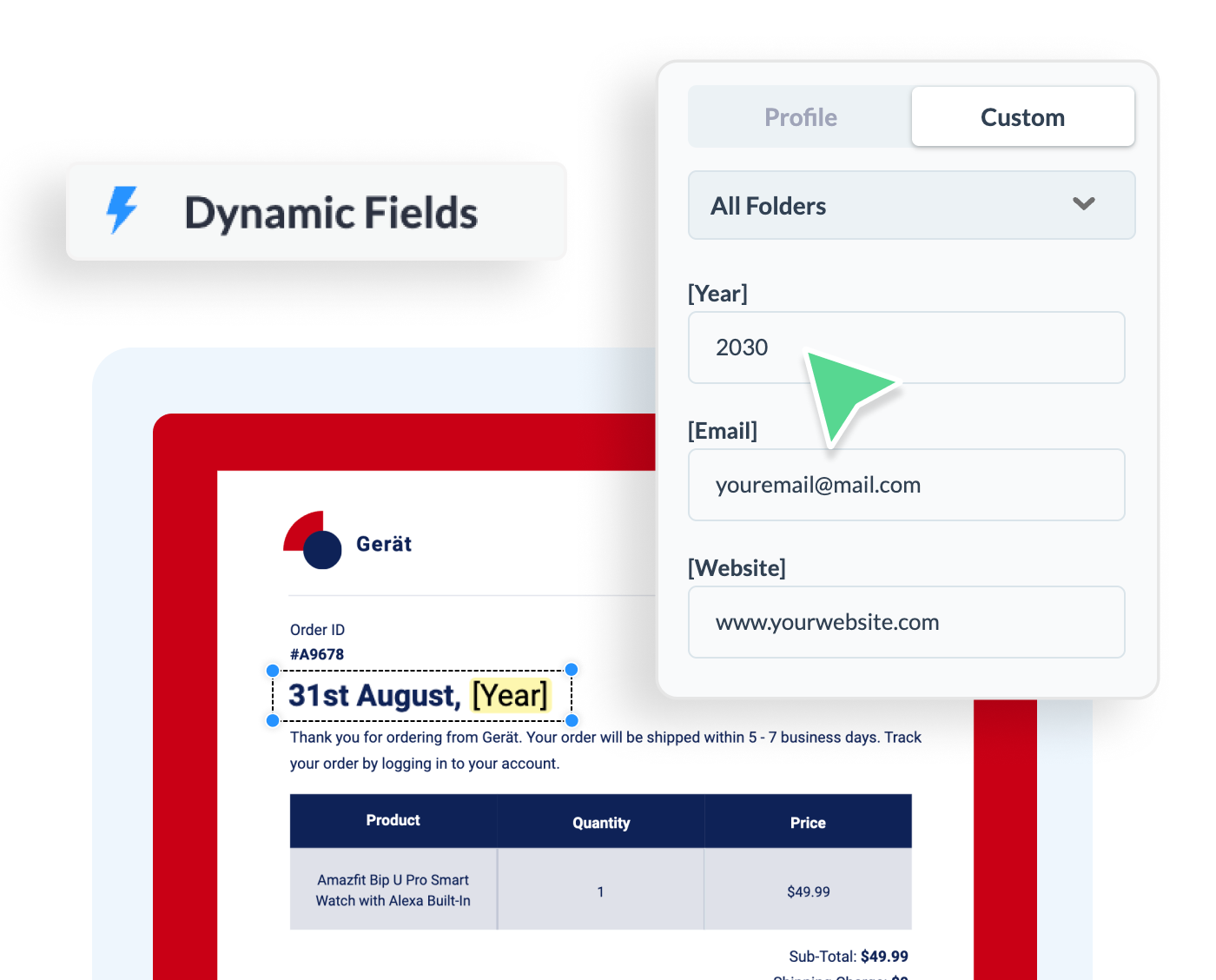
Billing multiple clients? Update your company information once and it reflects across every invoice automatically so no copy-pasting, no manual edits, no room for error.
Download and share in the right format
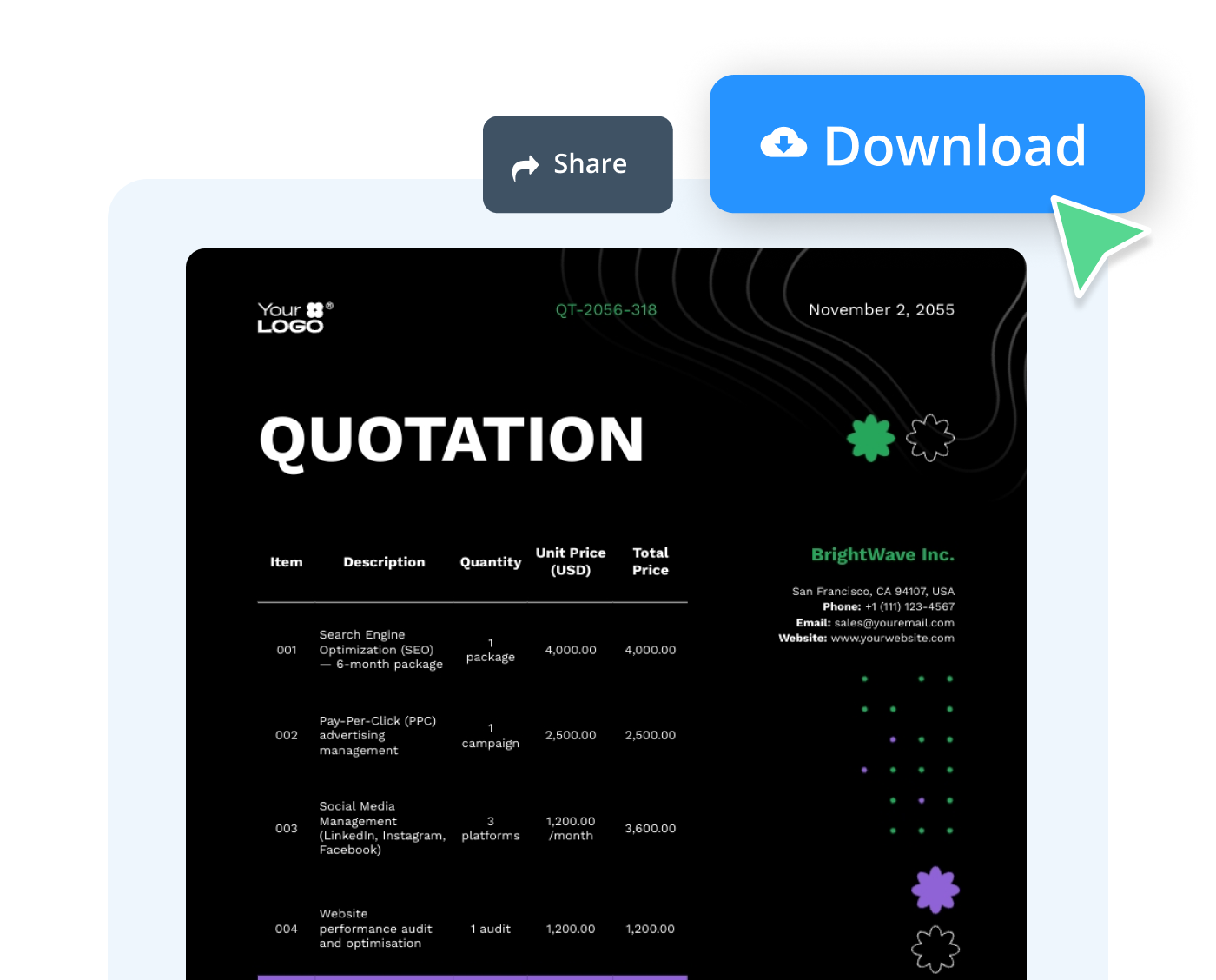
Visme lets you save your invoice in various formats, including PDF, PNG, JPG and HTML. You can also skip the downloading process and share your invoice directly with a link.
One Platform. Every Tool & Document You'll Ever Need
Invoices are just the start. Visme gives you the AI tools and design power to create every client-facing document your business needs.
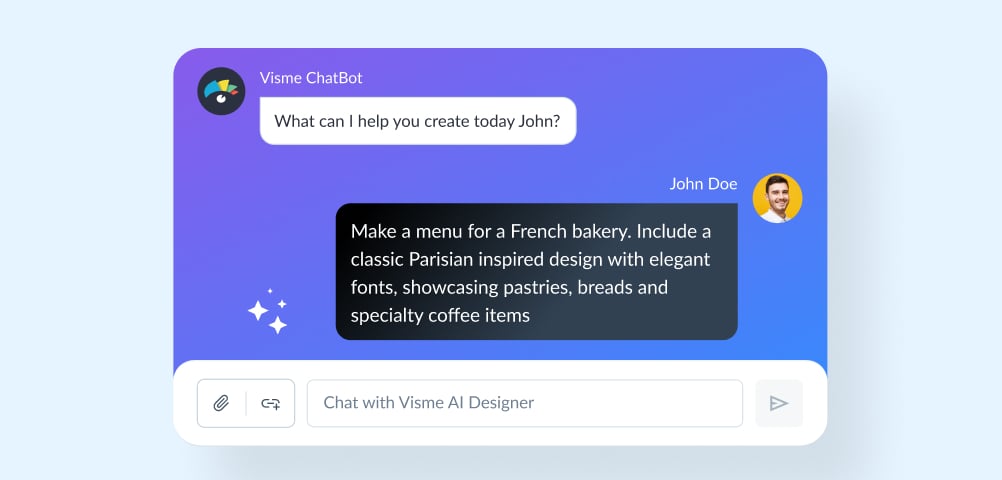
AI Designer
Generate a full, customizable design from a simple text prompt. Choose a style and Visme's AI Designer takes it from there.
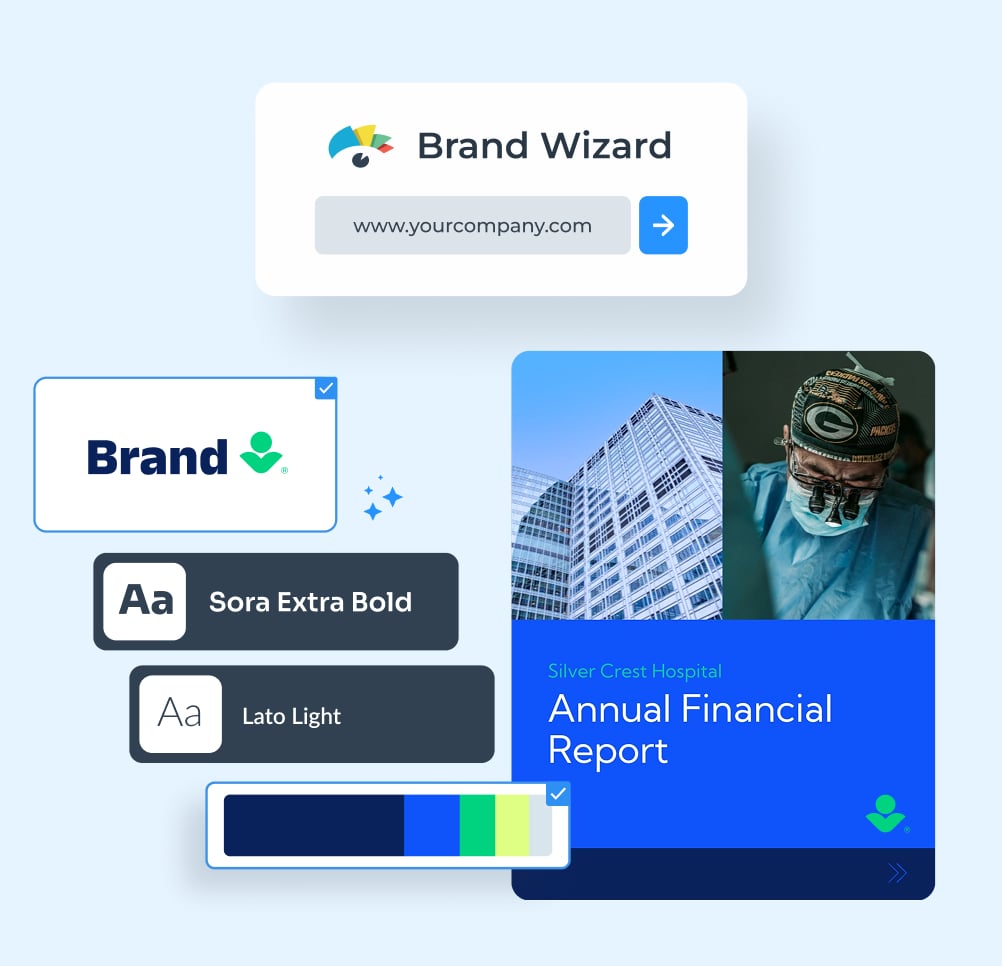
Brand Wizard
Set your brand once. Our AI-powered Brand Wizard pulls your logo, colors and fonts and applies them across every invoice and project you create.
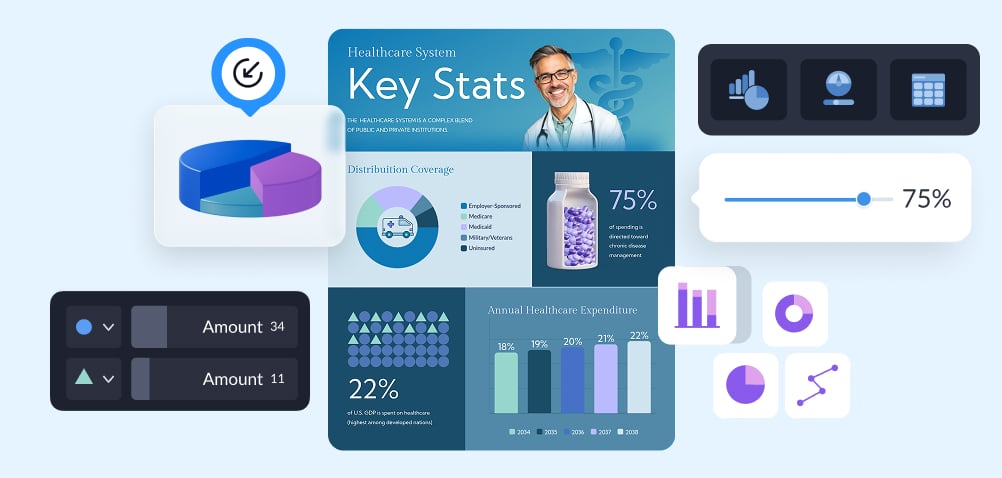
Client Reporting
Build client-ready reports without the back-and-forth. Combine data, charts and branded layouts into one shareable document your clients will actually read.
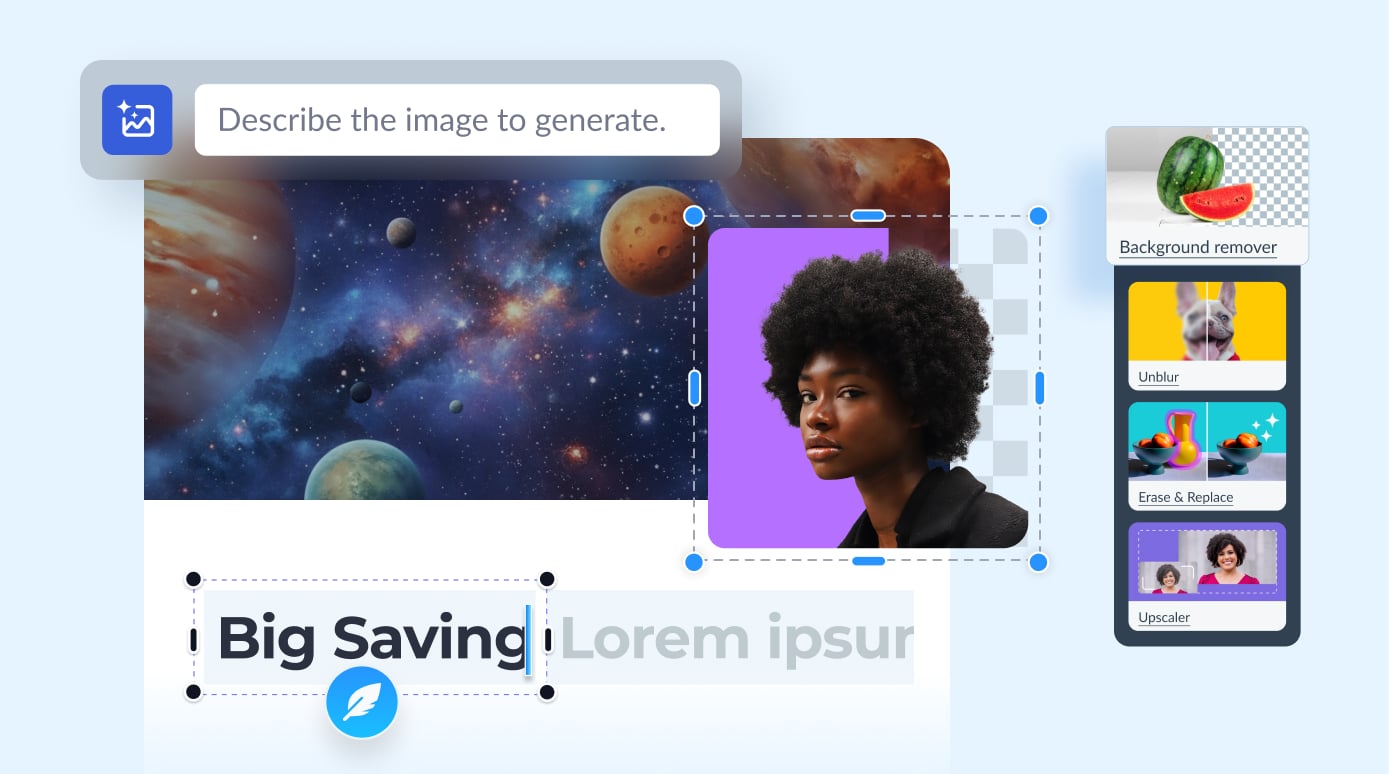
AI Editing Tools
Speed up your invoice workflow with AI. Generate, rewrite and refine content directly inside your template, no switching tabs, no starting over.
Data Visualization
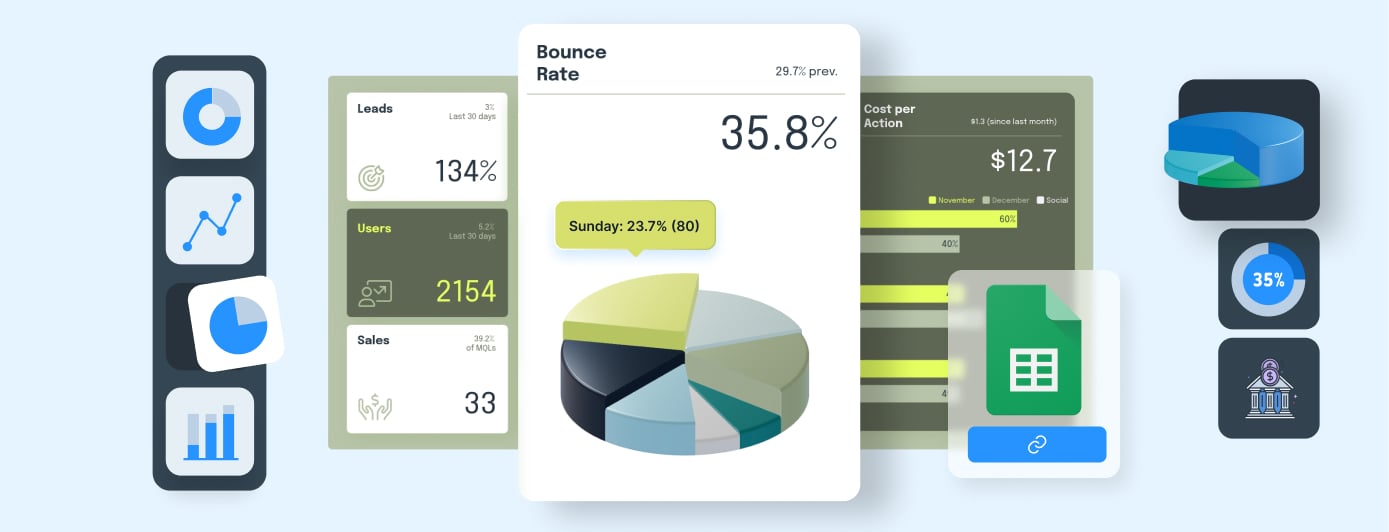
Turn transform raw numbers into branded, compliant data visualization. Visme makes financial data easy to present and even easier to understand.
Interactivity & Sharing
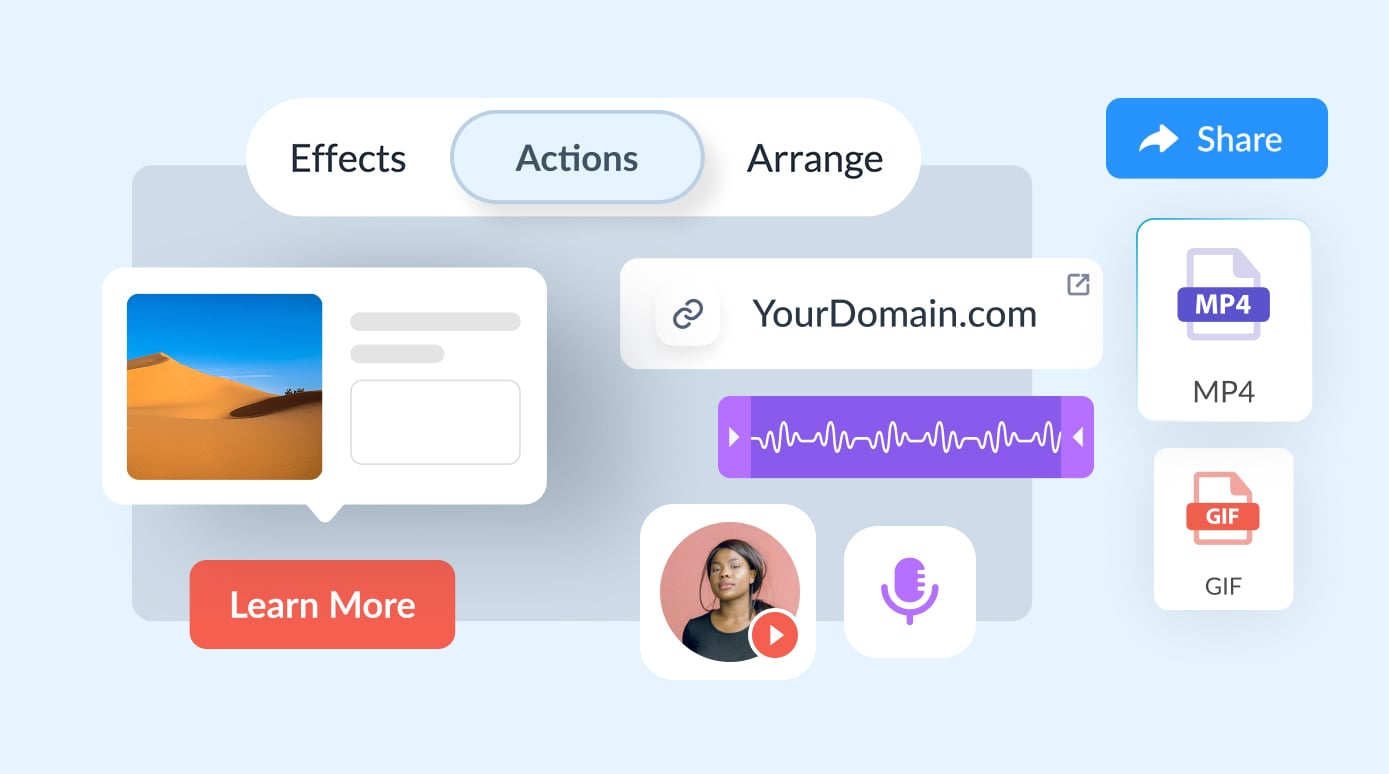
Share your invoice as a live, trackable link, no attachments or back-and-forth. Clients view it directly in their browser and you always control access.
Frequently Asked Questions
Got questions about invoices or templates? We've got everything you need covered right here.
Every solid invoice needs these five elements: your business name and contact information, the client’s name and billing address, a unique invoice number, an itemized list of services or products with costs, and a clear payment due date. Including payment terms and accepted payment methods is a bonus that saves you a follow-up email.
Start by choosing a template that fits your business type. Add your logo and brand colors, fill in your client’s details, itemize your services with descriptions and costs, set a due date and you’re done. With Visme, the whole process takes minutes. Pick a template, customize it and download or share it as a live link directly with your client.
ChatGPT can help you draft invoice copy, but it can’t design or format a professional, ready-to-send invoice on its own. Visme’s AI tools and ChatGPT integration let you generate and customize invoice content directly inside a professionally designed template, so you get the best of both: AI speed and a polished, branded invoice.
Yes. Once your template is set up in Visme, you can duplicate it for each client and update the details in minutes. Use dynamic fields to auto-update your company information across multiple invoices at once, no repetitive editing required.
Absolutely. Every section of your Visme invoice template is fully editable. Add or remove line items, adjust billing columns, rearrange sections and resize elements to match exactly what your invoice needs to include.
Visme lets you download your invoice as a PDF, JPG or HTML file, or publish it as a live shareable link your client can open directly in their browser, no attachment needed.
Visme’s template library is accessible across plans, but features like the Brand Kit, which saves your logo, colors and fonts for use across every project require a Standard Plan or above.