Build Microsites Without Code Using Visme’s Webpage Builder
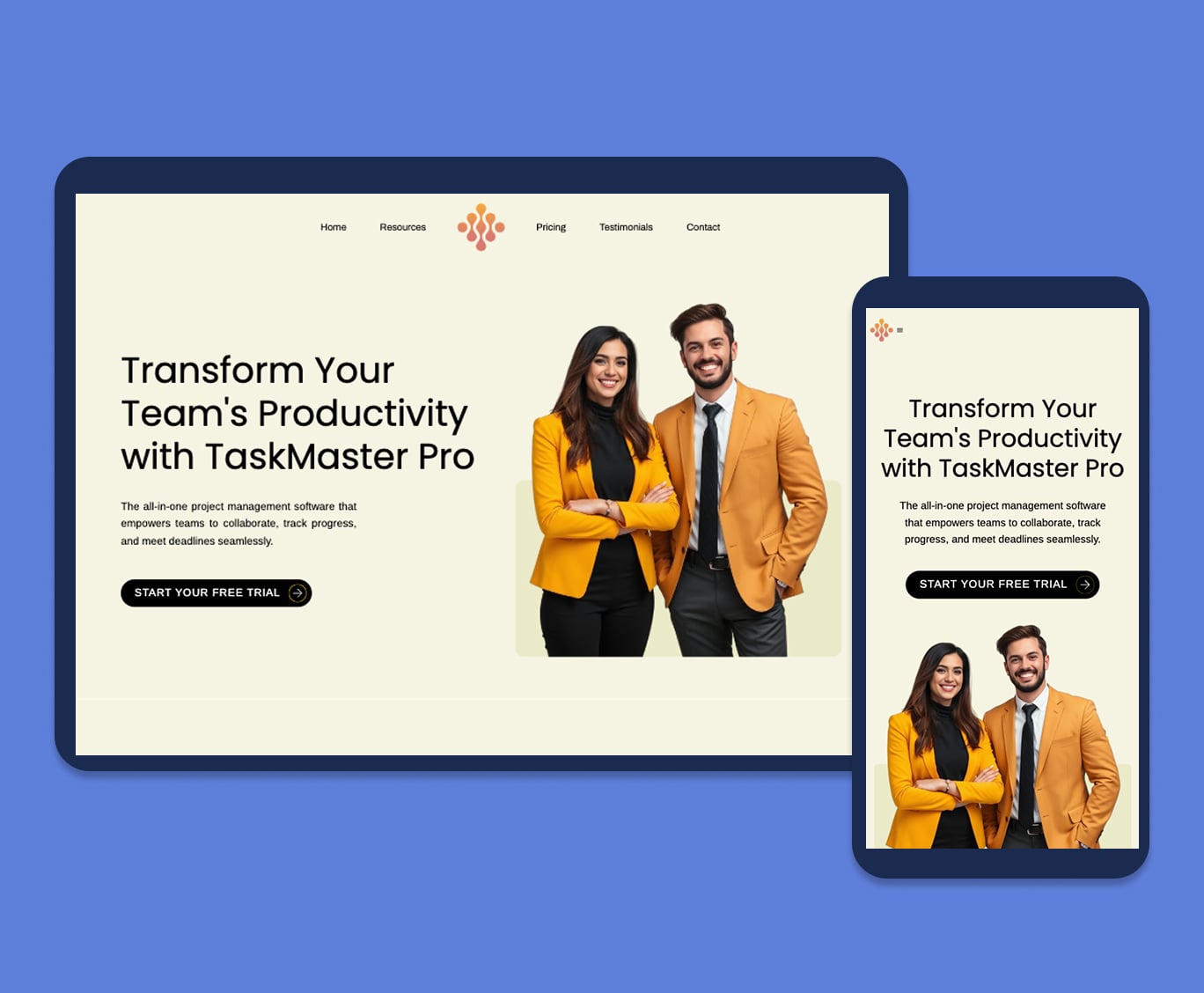
Chosen by brands large and small


Customer Satisfaction 98%+
Used by 34.3 million users
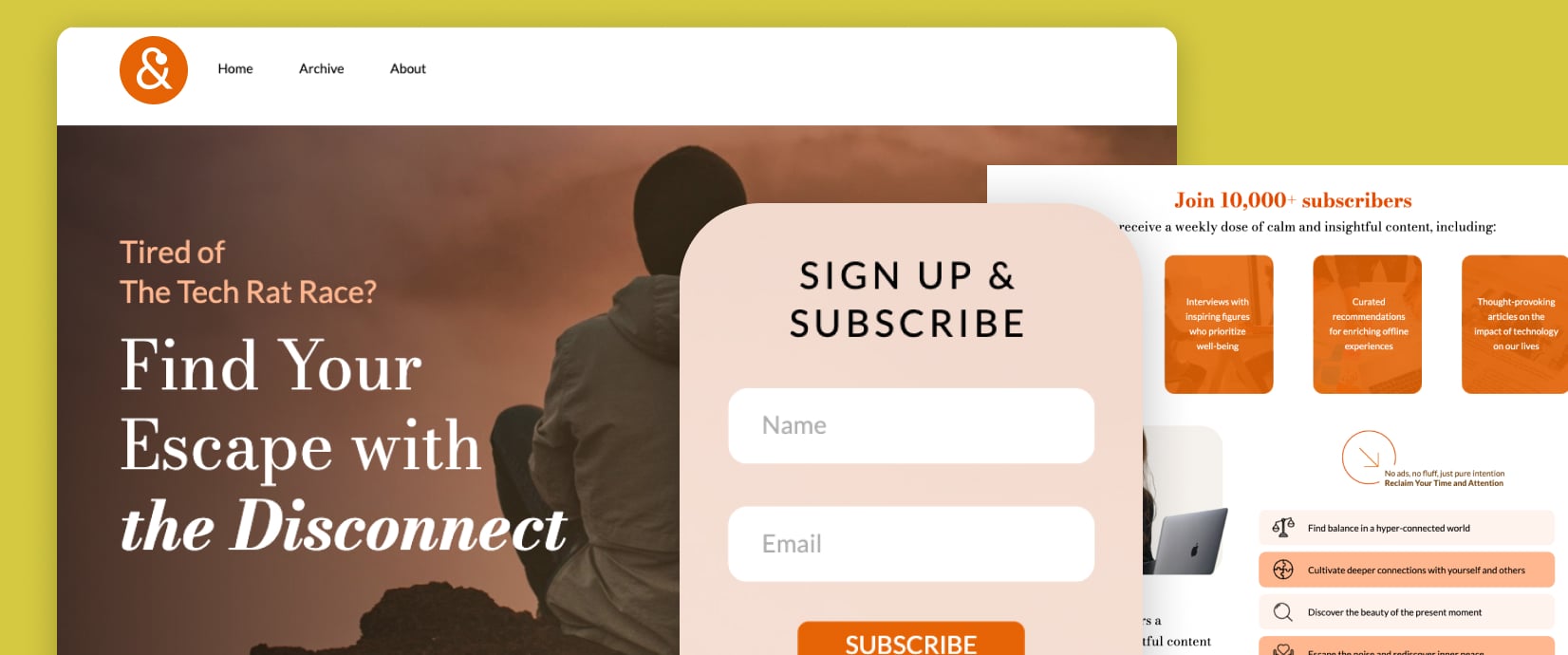
Newsletter Sign Up Page
Build your email list with a dedicated newsletter signup page. Add a Visme Sign Up Form and customize it with an animated character and conditional logic. Then design your newsletters using pre-designed templates or use the AI newsletter generator.
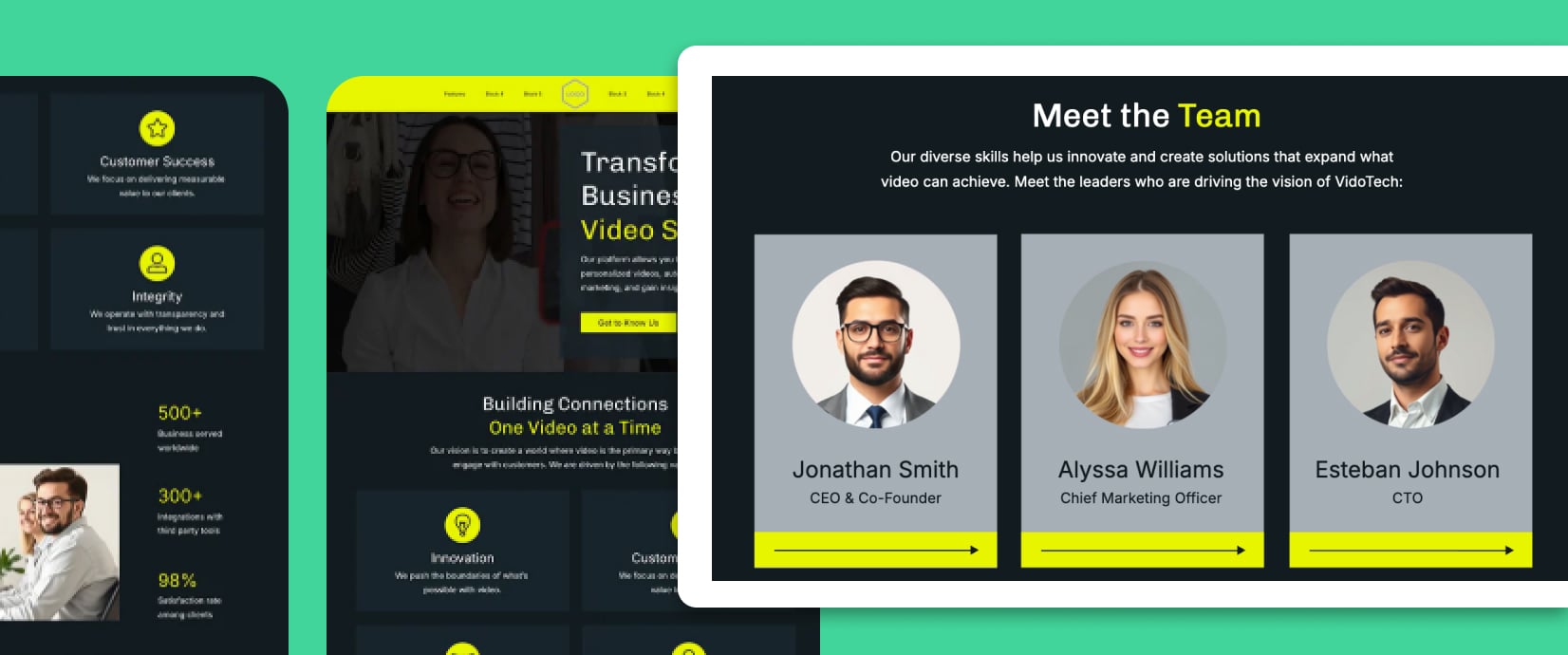
About Us Page
Introduce your team and brand story with an engaging About Us microsite. Use photo cards and short bios for each member, then add a milestones timeline for historic context. Finally, embed a video about your mission.
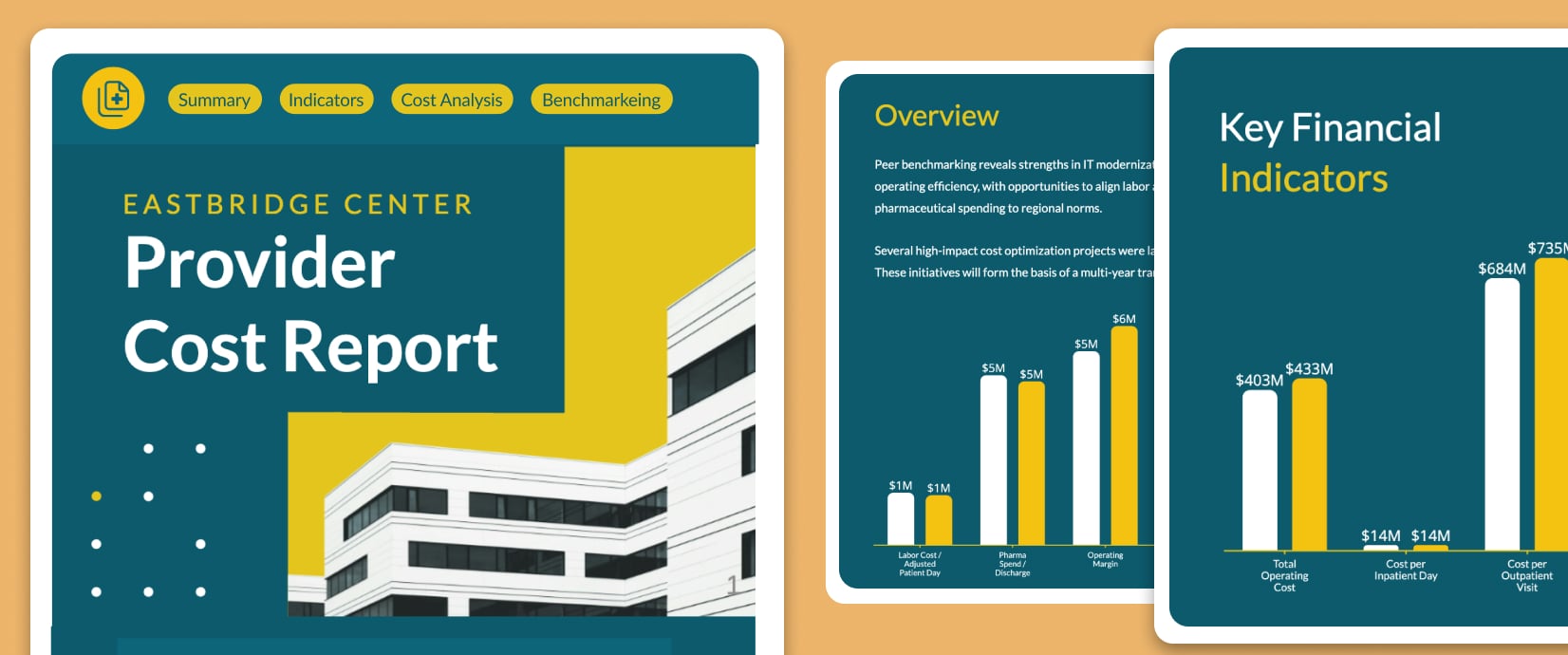
Interactive Annual Report
Share your annual report as an engaging digital experience. Present key metrics with animated charts and graphs, and add clickable hotspots that reveal detailed insights. Offer a downloadable PDF version, which you can create with Visme's annual report maker.
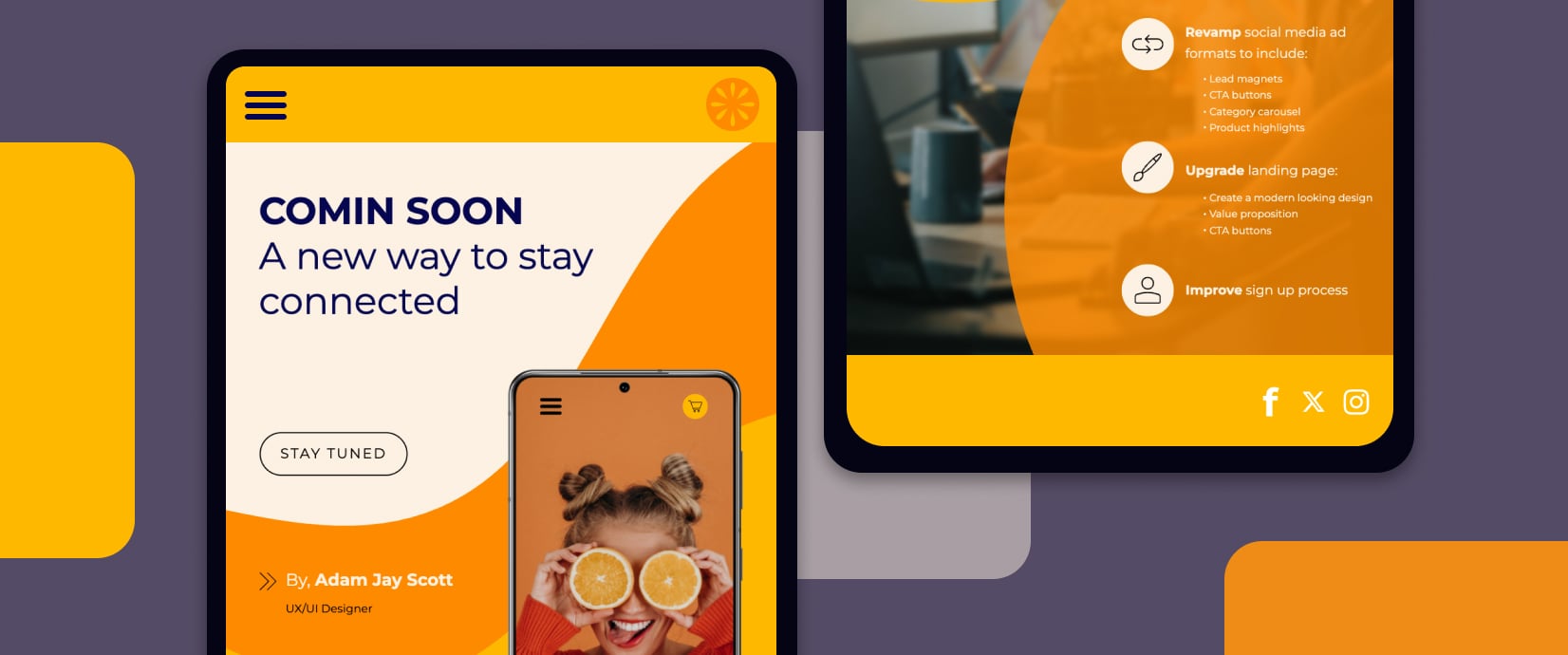
Coming Soon Page
Build anticipation for your product launch, store opening, or new publication with a coming soon microsite. Capture early-access signups with an email form, share sneak peeks with preview images, and create urgency with animated graphics.
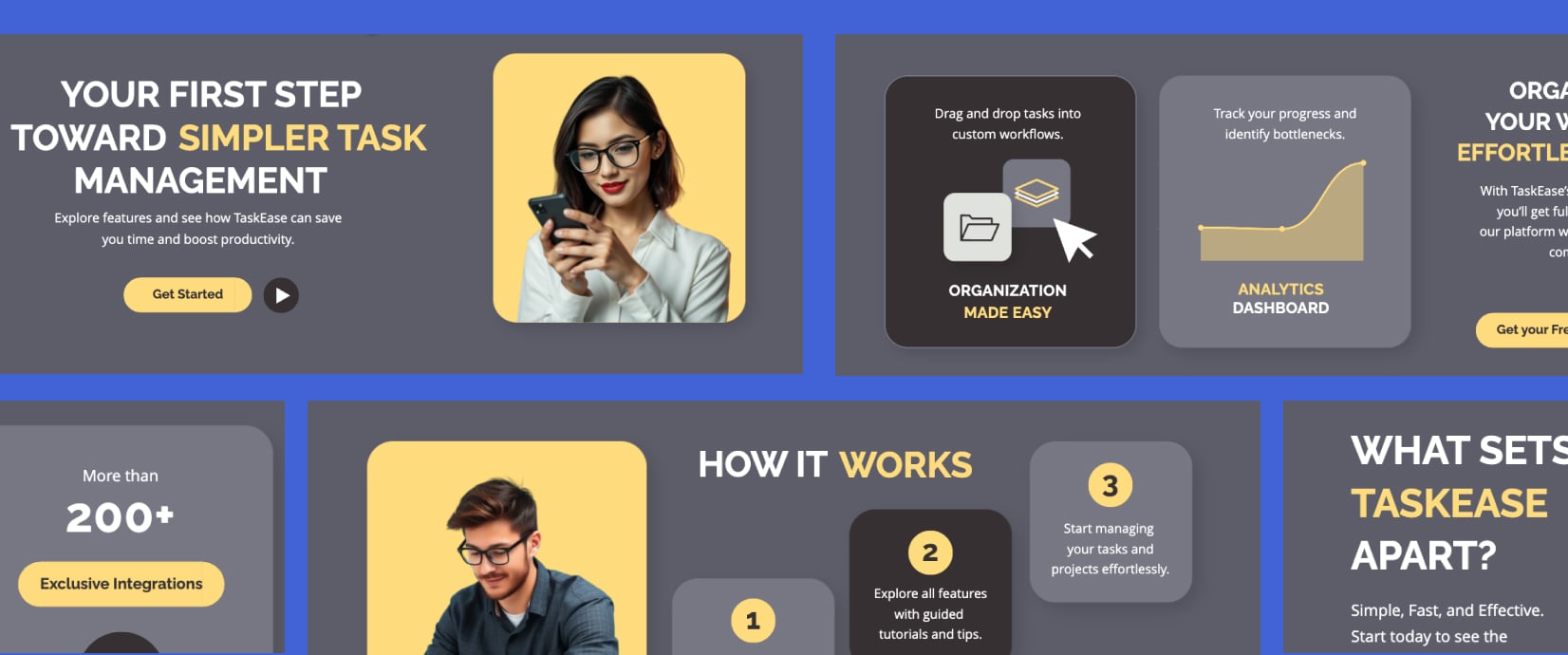
Case Study Showcase
Showcase client wins with an interactive case study microsite. Feature results with visual comparisons, video testimonials from happy clients, and before/after ROI metrics using data visualizations. Organize multiple success stories using Visme's case study templates.
Easy to Start and Build
- Our drag-and-drop builder eliminates technical barriers so you can launch pages without IT support.
- Professional-grade templates provide a strong foundation that ensure your pages look polished from the start.
- Pre-built content blocks save valuable development time by allowing quick assembly of complete pages.
Full customization
- Everything in the templates is easy to customize and personalize, so it matches your visual identity or brand guidelines.
- Our comprehensive design library offers everything you need: from typography and images to 3D elements, so you can create pages that perfectly match your vision.
- Your pre-built Brand Kit is easy to access when creating microsites, so you can apply brand colors, logos, and typography quickly.
Easy Interactivity
- Interactive hotspots and pop-ups appear when visitors hover or click, allowing you to present additional information without overwhelming your audience.
- Animations help guide the viewer’s eye to important elements, keeping them attentive. Use an animated character or graphic from our library, and bring it to life with the custom animation features.
- Scrolling transitions make your page more interesting and engaging. Choose between parallax, fade or snap styles.
Responsive Design
- The built-in mobile editor ensures your pages look perfect on every device, so visitors always enjoy an optimized experience regardless of screen size.
- The easy-to-toggle mobile/web viewer lets you check the microsite’s design across screen sizes and adjust accordingly.
- Edit text and object sizes to ensure legibility and accessibility across all screen sizes.
AI-Assisted Design
- Image Generator creates custom visuals from simple text descriptions. The AI Image touchup tools help optimize images with background removal, object erasure, and deblurring with one click.
- AI Writer produces professional copy for any section of your page, saving hours of writing time. Or use it to proofread, summarize and improve text.
- AI Text to Speech will help you create audio narrations for embedded videos, presentations and hotspots.

Visitor Insights
Understand how visitors interact with your pages with Visme’s analytics dashboard. Track views and demographics to identify your audience.

Brand Control
Maintain brand consistency with Visme’s Brand Wizard and Brand Kit. Store and automatically apply your company colors, fonts, and logos across all page elements with a few clicks.

Collaboration
Create pages collaboratively by working simultaneously with your team. Leave feedback directly on elements, and track changes during the development process. Approval workflows ensure nothing goes live without proper review.
Share Your Landing Page Publicly or Privately
Share your web page publicly or add password protection. Depending on your subscription plan, you can publish directly on Visme's secure servers with a Visme.com URL, or using your own brand domain. You can also download your landing page as blocks in PDF or image formats.
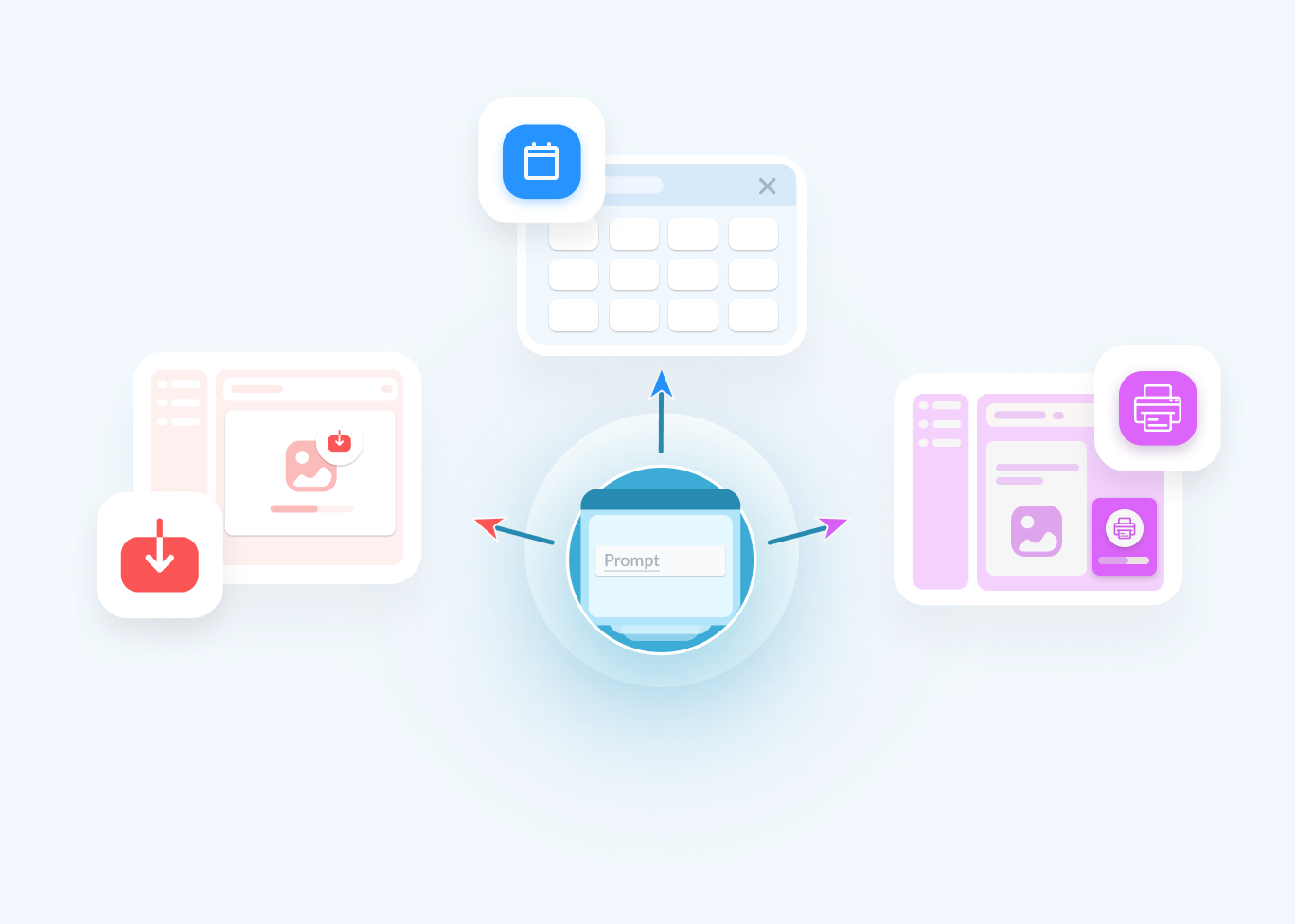
Forms
Videos
Presentations
Marketing Collateral
Social Media Graphics
Printable Materials
& More
Frequently Asked Questions (FAQs)
Visme's Landing Page Builder is a no-code webpage design tool that allows you to create interactive landing pages, microsites, and web experiences without any coding knowledge. It features drag-and-drop functionality, pre-built blocks, and templates to help you build professional web pages quickly.
Landing pages are not all you can build with Visme. You can create a wide variety of miocrosites, including product landing pages, event microsites, digital portfolios, resource hubs, team pages, and interactive experiences.
Visme microsites can contain multiple sections with various content blocks. Free accounts can create landing pages with up to 4 blocks. Once you have a paid subscription, you can have unlimited blocks, but for optimal user experience, don’t add too many (max 10).
Enterprise plan users can create their own custom subdomain within Visme. Other plan users receive a Visme-hosted URL that can be customized with your project name.
Yes, all Visme microsites are automatically hosted on Visme's secure servers. You don't need to worry about separate hosting or technical setup. Your pages are instantly available online as soon as you publish them.
Visme offers multiple interactive elements, including hotspots, popups, embedded videos, and clickable buttons. These features allow you to create engaging experiences without writing any code.
Using Visme, you can only edit webpages that you’ve created with the Visme editor. Once you’ve created a microsite with Visme, you can edit it as many times as you want.
Building a microsite with Visme is simple.
- Start in the dashboard and click the Create New button.
- Click Microsite, then choose one of our professionally designed templates.
- Use the drag-and-drop editor to customize the content blocks.
- Incorporate your brand assets, colors, and fonts.
- Add interactive elements like hotspots and animations.
- Once you're satisfied with your design, publish it directly to Visme's secure servers with a shareable link.
A landing page is a standalone webpage specifically for visitors to “land” after clicking on a link from an email, ad, or other digital location. A landing page has a single focus and goal. It could be to capture leads, promote a product, or encourage sign-ups. Landing pages are optimized for conversion and typically feature minimal navigation to keep visitors focused on a single action.
A website consists of multiple pages with several navigation options, offering lots of information about your business, products and services. A microsite, on the other hand, is a much smaller site that focuses on a specific topic and uses a leaner approach to transmit information to the viewer.
A microsite is a small website with a few pages and simple navigation. A landing page, on the other hand, is a single-page experience designed for a single specific goal. It includes only one call to action for the visitor.
Yes! With Visme’s web page builder, you can create and publish standalone landing pages without needing an existing website. All Visme-made landing pages are automatically hosted on our secure servers, so you don’t need a separate hosting service or technical setup.