Create on-brand, interactive presentations with AI

Used by leading brands and organizations


Customer Satisfaction 98%+
Used by 34.3 million users




Apply your brand kit to any presentation
Upload your brand kit once and Visme’s AI applies your colors, fonts, and style across the entire presentation, keeping every slide aligned with your brand.
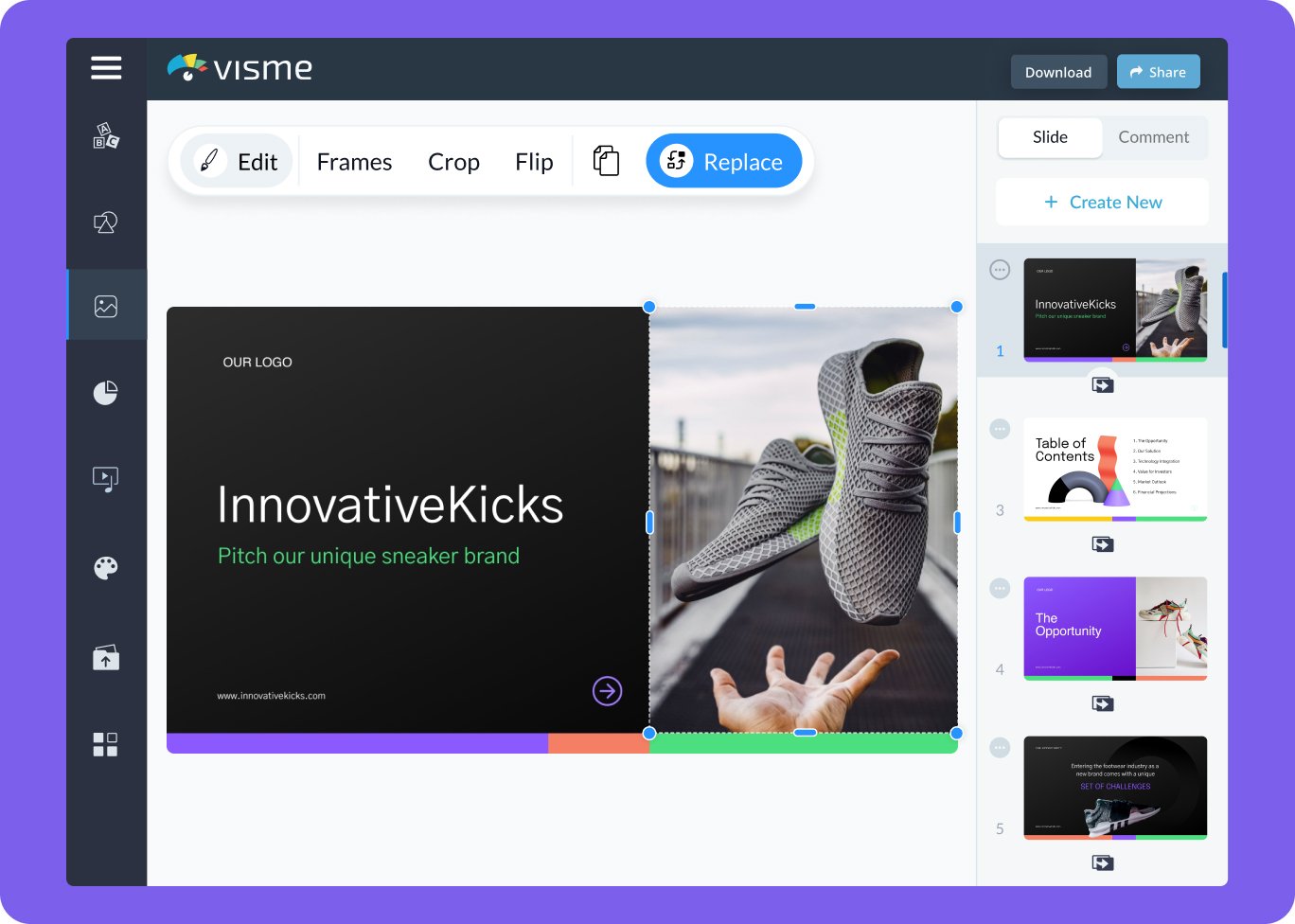
Start with a presentation that already works
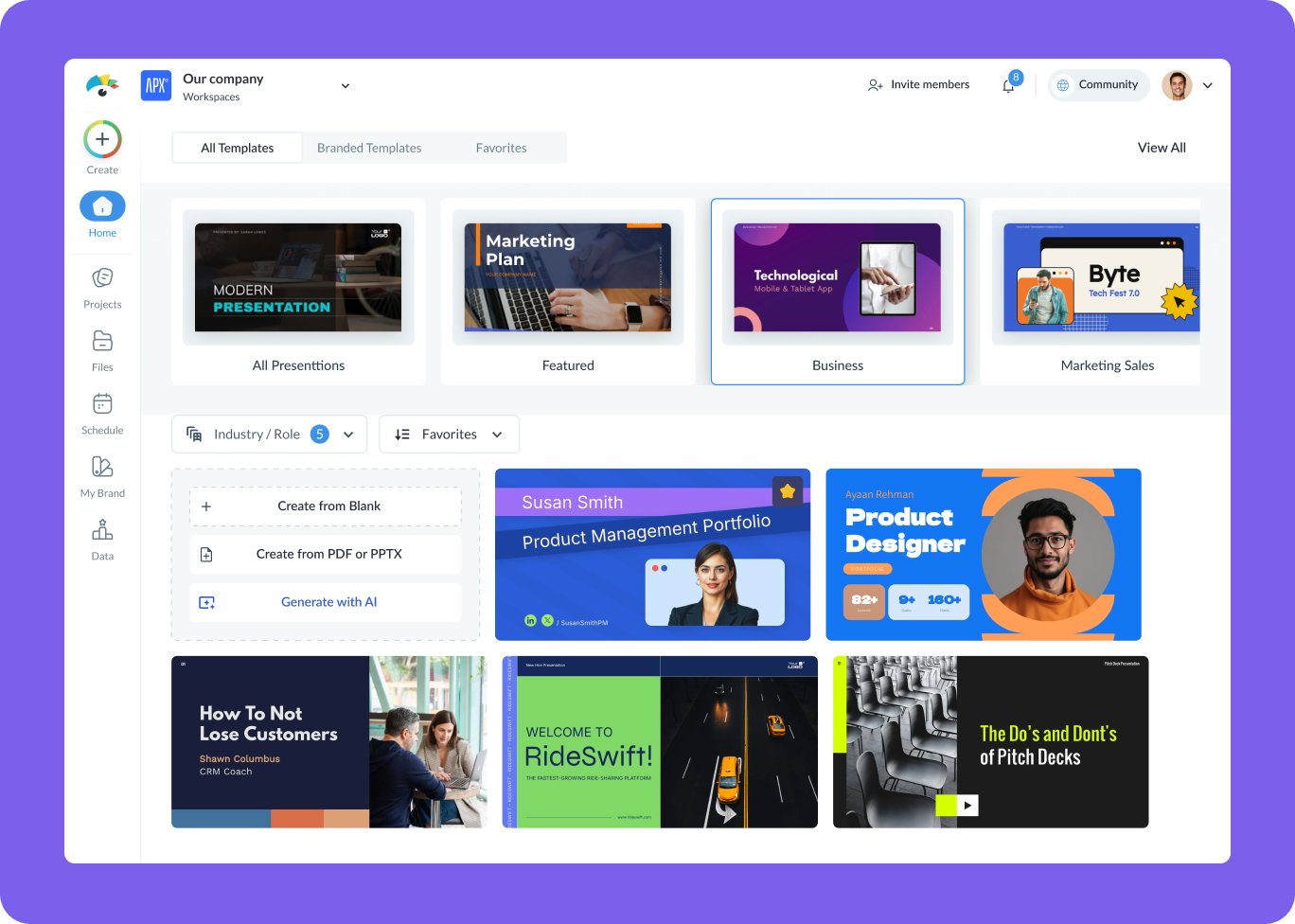
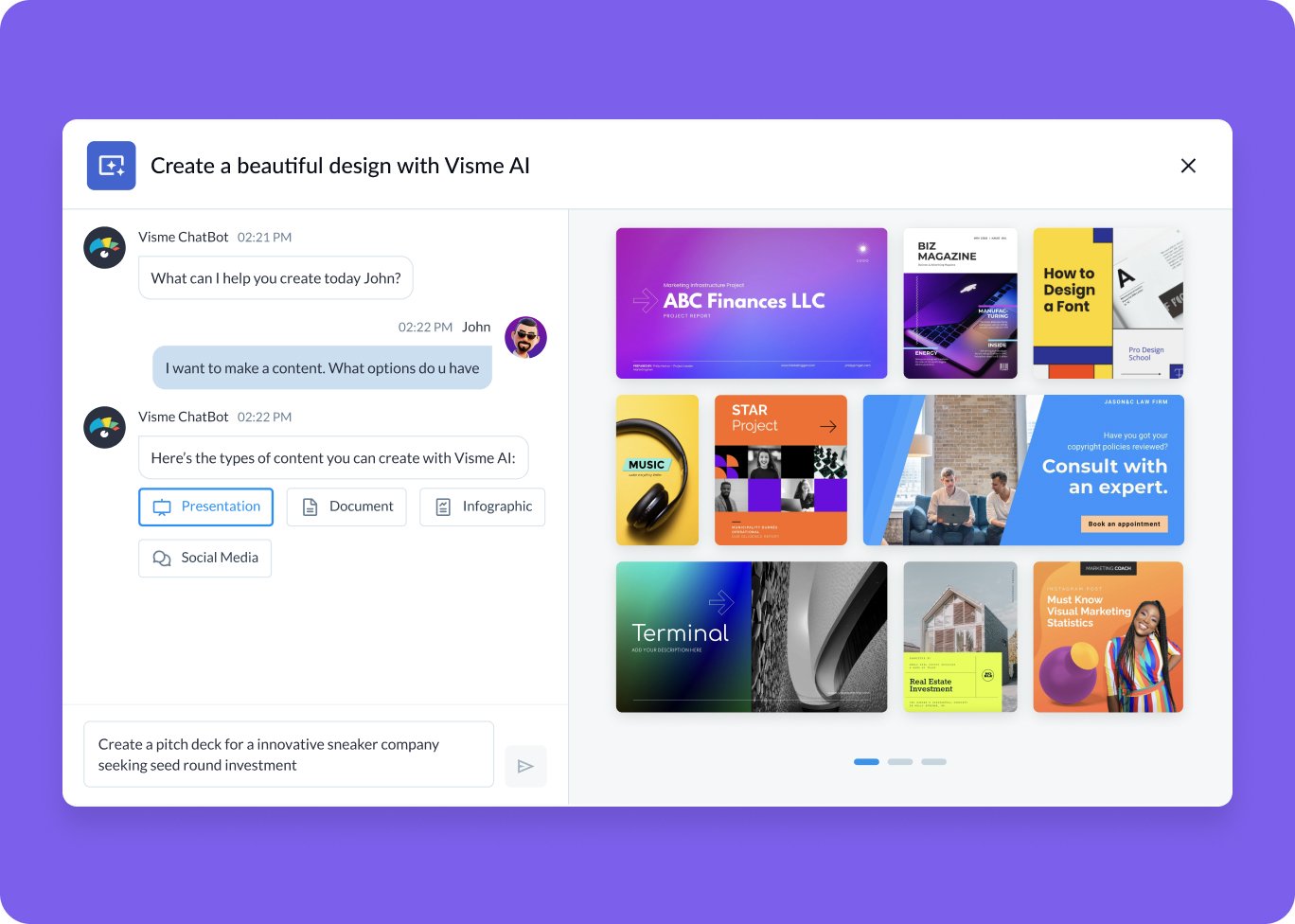
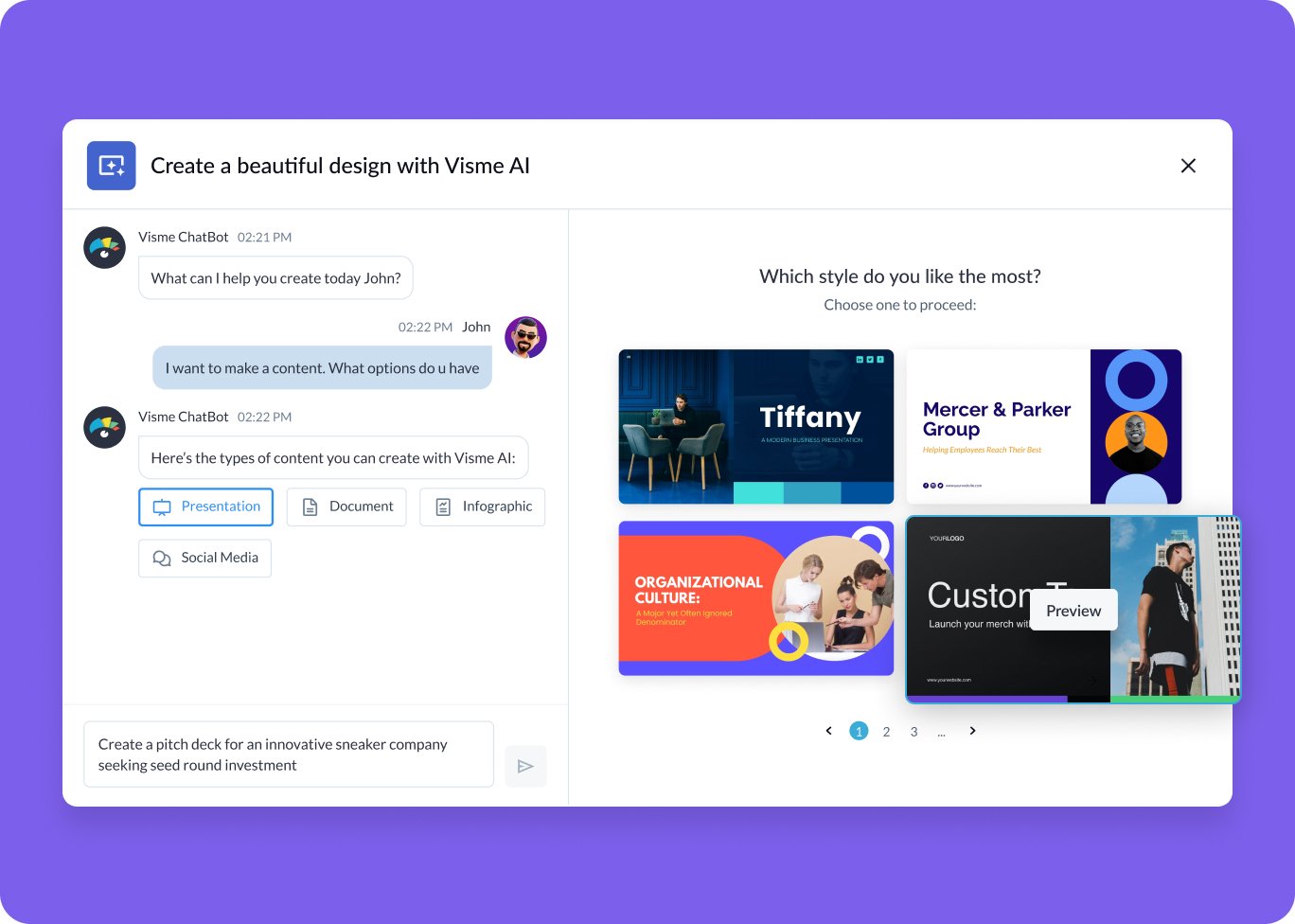
Visme’s AI starts you with a ready-made template based on your goal, so you can skip formatting and get straight to editing.
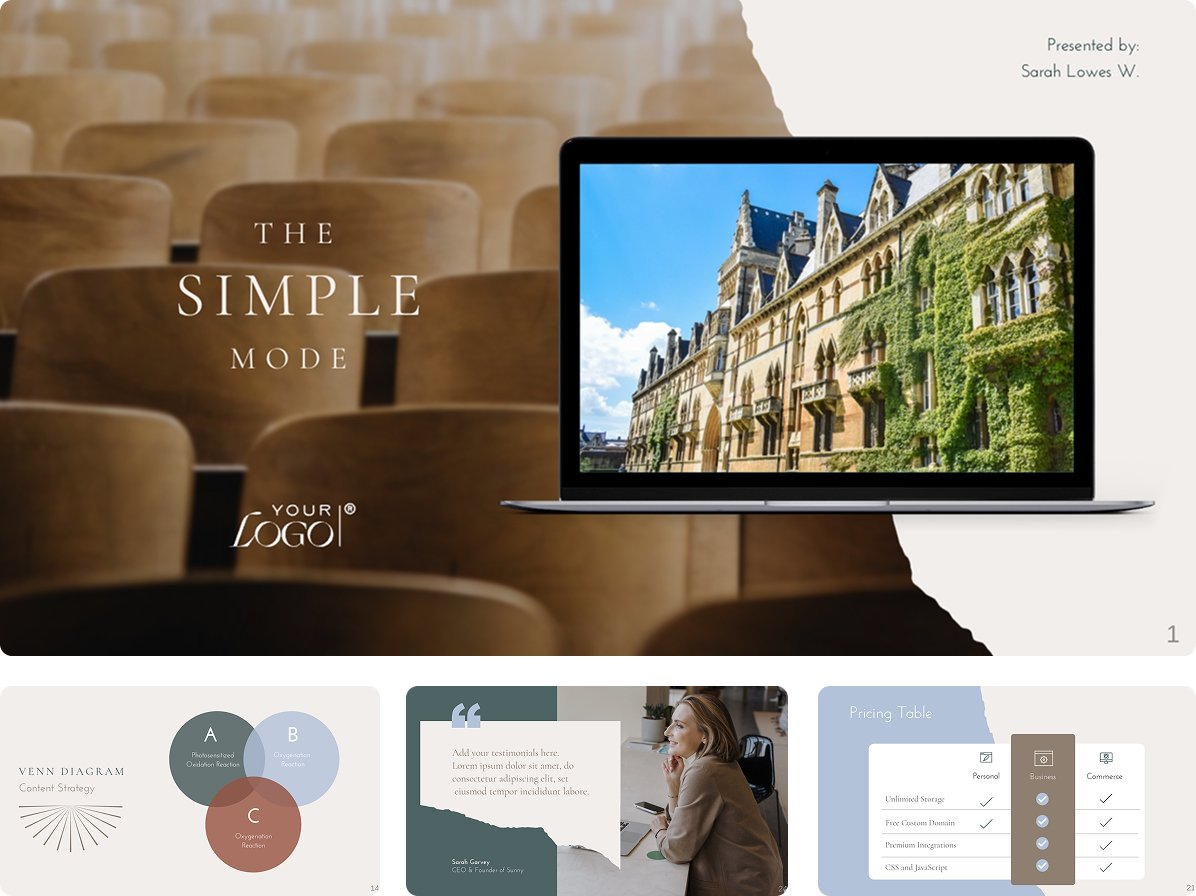
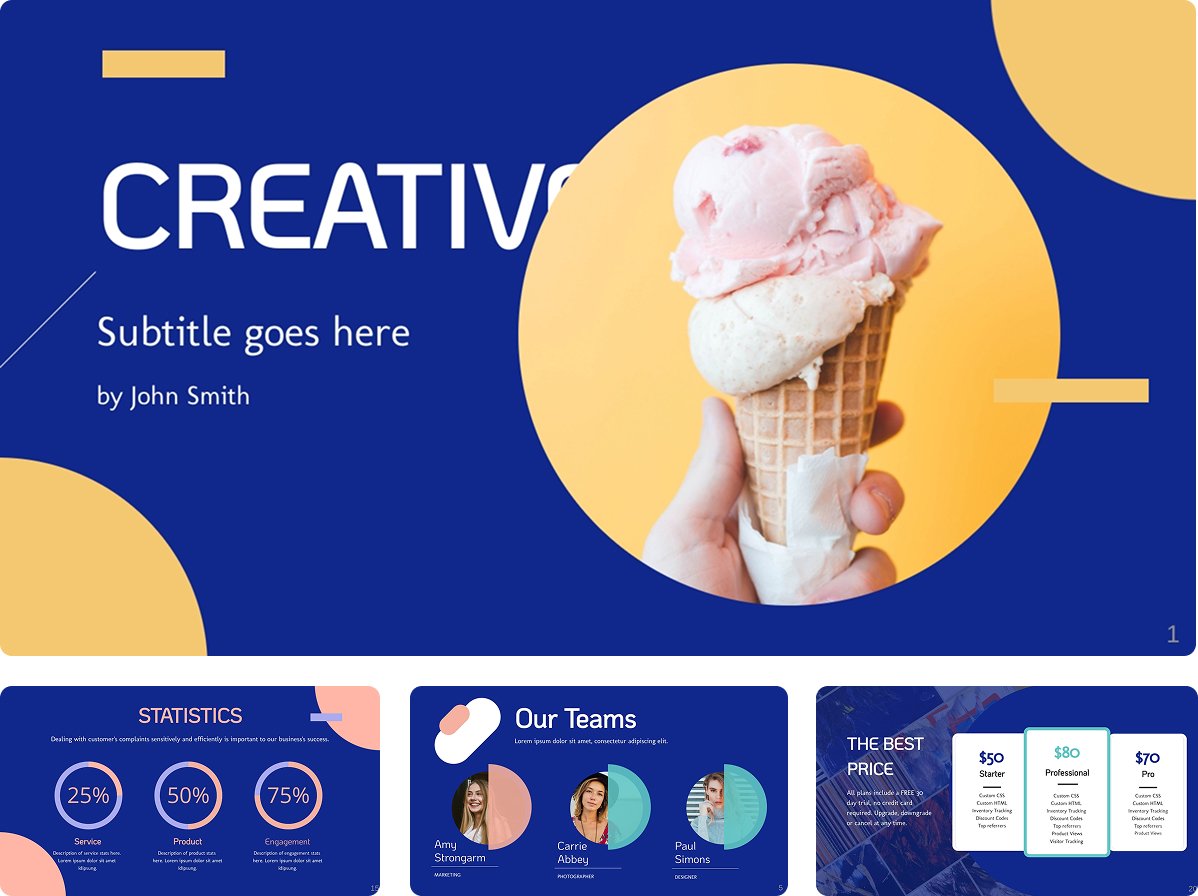
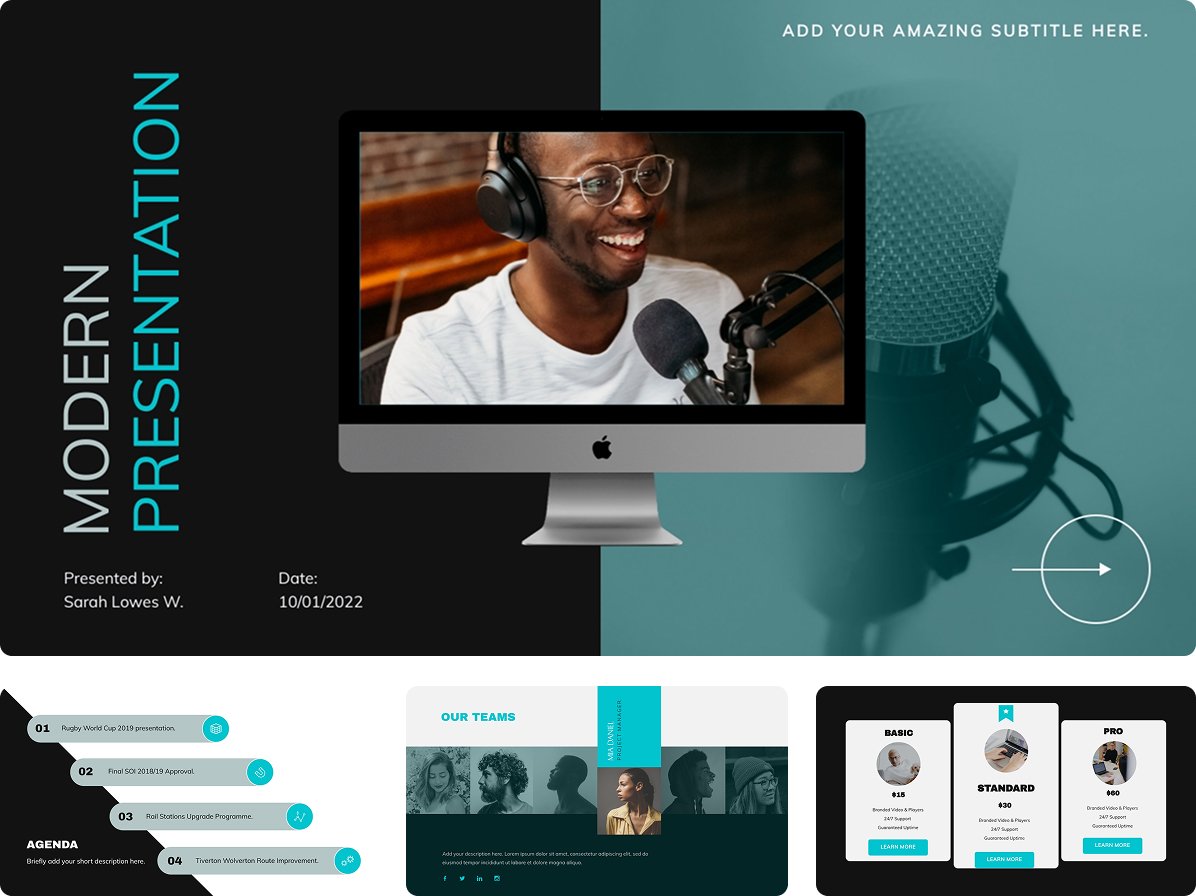
Add interactivity without extra work
Add light interactions and motion without turning your presentation into a design project. Add just enough interactivity to keep people focused on your message.
Collaborate and share with your team
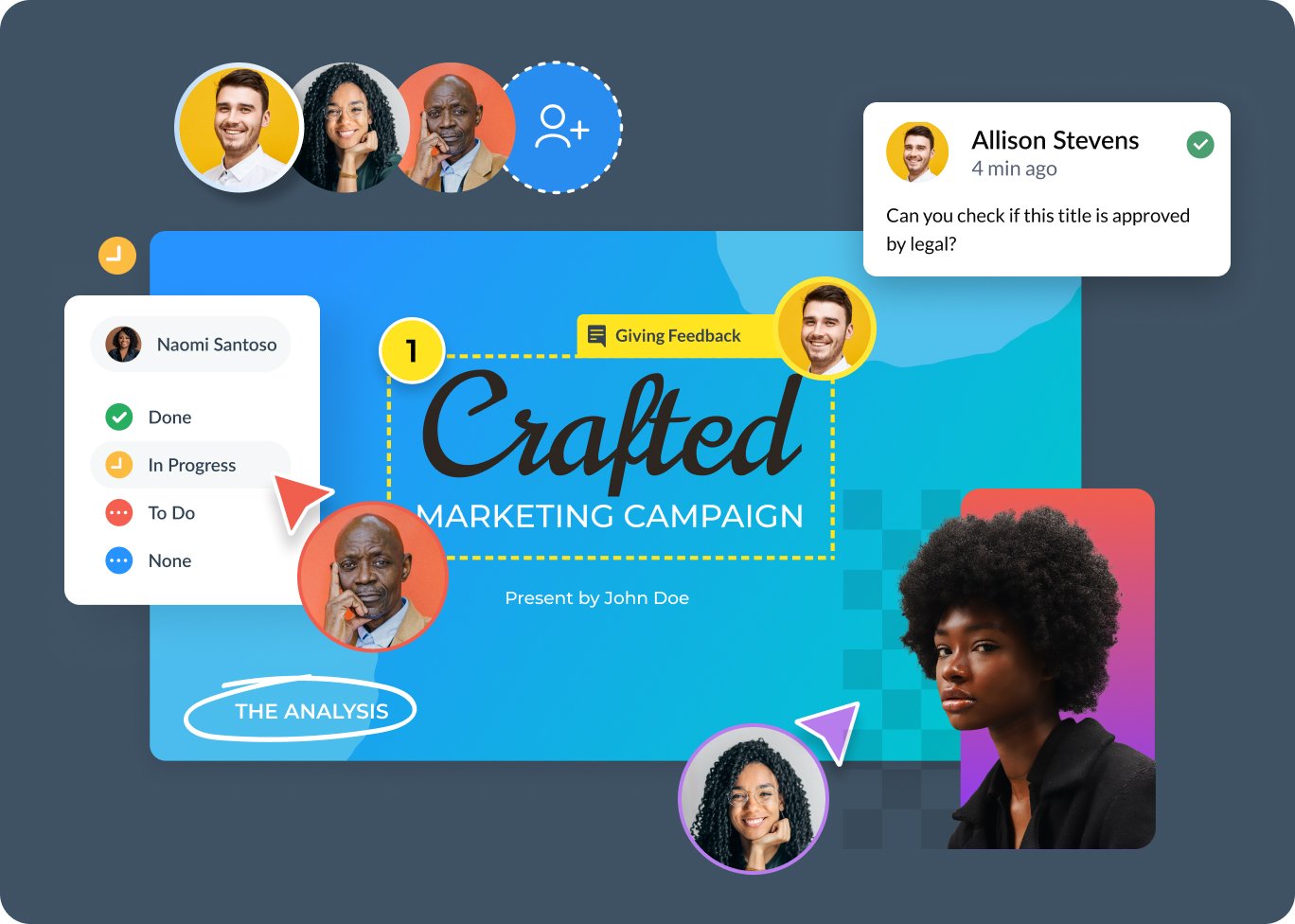
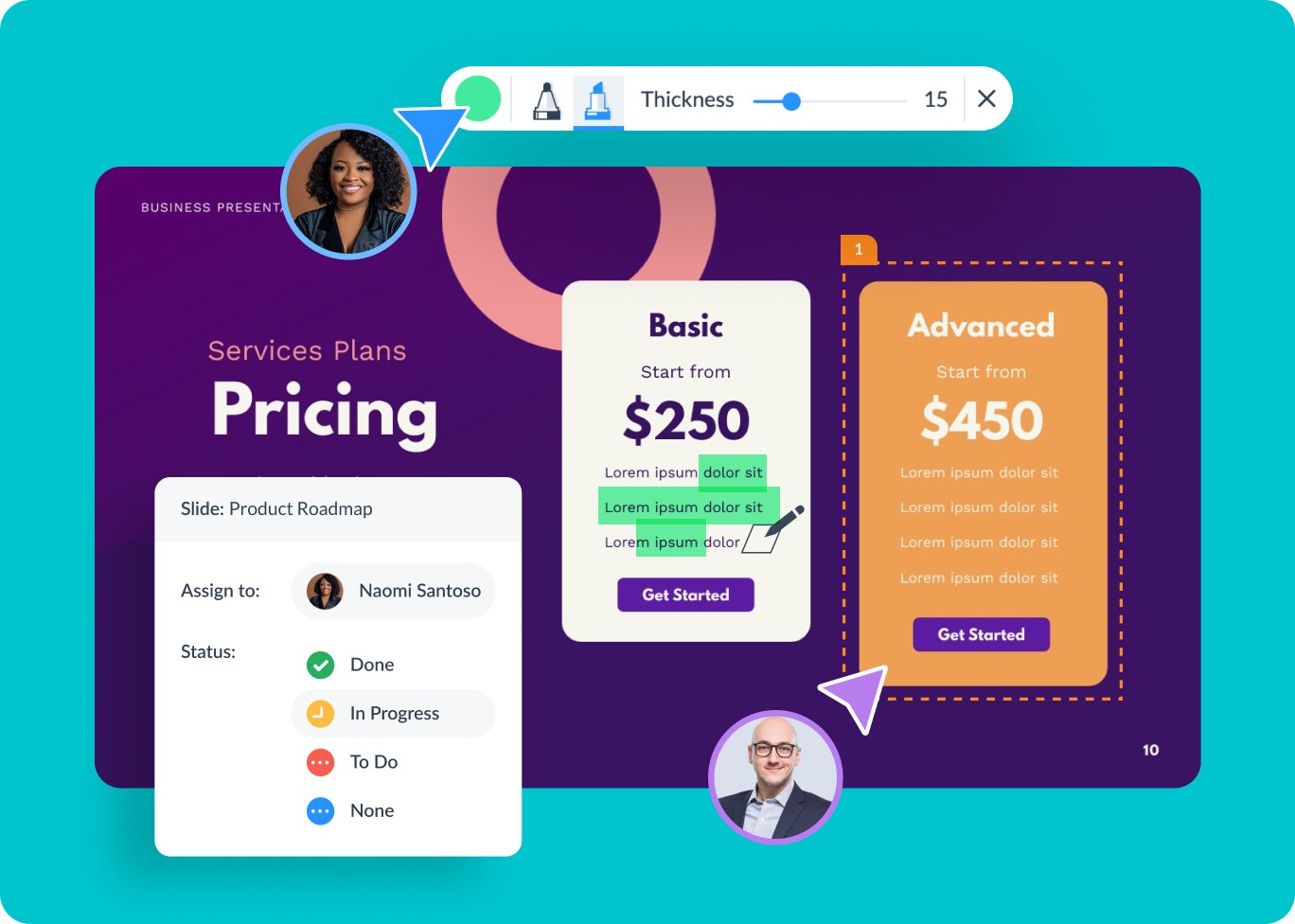
Leave comments and give feedback in real time so everyone stays on the same page. Keep your files in shared folders and one easy-to-access place. Set roles so each team member knows what they can do. Assign presentations or slides to team members and track progress with Content Calendar. When it’s time to share, send a quick link for review or approval - fast and easy.
Why teams choose Visme















Create beautiful content, faster.
Basic
Take it for a test drive.
Use it as long as you want.
- Unlimited projects
- Templates & Design Assets Limited
- Most Templates
- Regular Support
Starter
Gain access to premium features for individual use.
- All Premium Assets
- Full Access to Templates and Assets
- Download as JPG, PNG, PDF
- 24/7 Email & Chat Support
Pro
Unlock more powerful design tools, privacy features, manage your brand, and collaborate as a team.
- Download as PPTX, HTML5, Video, & GIF
- Brand Kit, Analytics, Most Integrations
- Privacy Controls
Enterprise
Empower your departments to create with next-level features that ensure brand accuracy, workflow efficiency, project visibility, and more!
- Custom Sub-domain
- More Project Security & Services
- Project Management & Approvals
- Enhanced Workspace Visibility
- Personalized Training & Onboarding
- Single Sign-on (SSO) & 2FA
- Dedicated Customer Success Manager
Questions about the presentation software
Click the button at the bottom of the page and quickly create your free Visme account by signing up with your email address, Gmail or Facebook.
It's completely free to create, share and download your presentation. If you want to download it as a printable PDF or interactive HTML5 file (to conserve animation effects), then you can upgrade to a Standard plan.
Yes! You can quickly create animated presentations by adding transitions that automatically animate the entrance of elements onto your slides, or you can animate elements one by one.
Absolutely. You can add pop-ups, rollovers and hyperlinks and embed videos, maps, surveys, as well as any other third-party content.
Simply generate a private or public URL that can be viewed from any browser. You can also download your presentation as an HTML5 file and present from any browser without internet connection.
Click on the Create button in the left sidebar of your editor to explore 900+ slide layouts. Search for the exact slides you need and drag and drop the desired ones onto the right panel.